
CORSAIR RS140 ARGB
4.6Editor score
95.5 CFM airflow
3.46 mm-H2O pressure
Up to 1700 RPM
Our ARGB 140mm Fans guide compares airflow, noise, PWM speed, static pressure, lighting, and bearing design to help you choose the right PC cooling fan.
ARGB 140mm fans combine generous airflow with customizable lighting, making them a versatile upgrade for PC cases, CPU coolers, and liquid-cooling radiators. A worthwhile model should move enough air to improve cooling while fitting comfortably inside your chassis. It should also provide controllable lighting, dependable PWM operation, and a bearing design suited to the placement.
This guide compares ten ARGB 140mm fans across airflow, static pressure, speed range, noise specifications, bearing construction, lighting, installation, and cooling applications. It includes multi-packs for easier case-wide installations, compact options for radiators, and reverse-airflow designs for builds where the fan face should remain out of view. Specifications come from the supplied product information.
Each review explains where the fan stands out, what trade-offs may matter, and which builders are most likely to benefit from it. The top three selections cover balanced performance, premium airflow, and a budget-conscious route into ARGB cooling. Product availability and pricing can change, so compare the current listing details before making a final purchase.
4.6Editor score

4.7Editor score
4.9Editor score
The table below compares all ten fans by their most decision-relevant specifications, including airflow, speed, static pressure, and cooling capability.
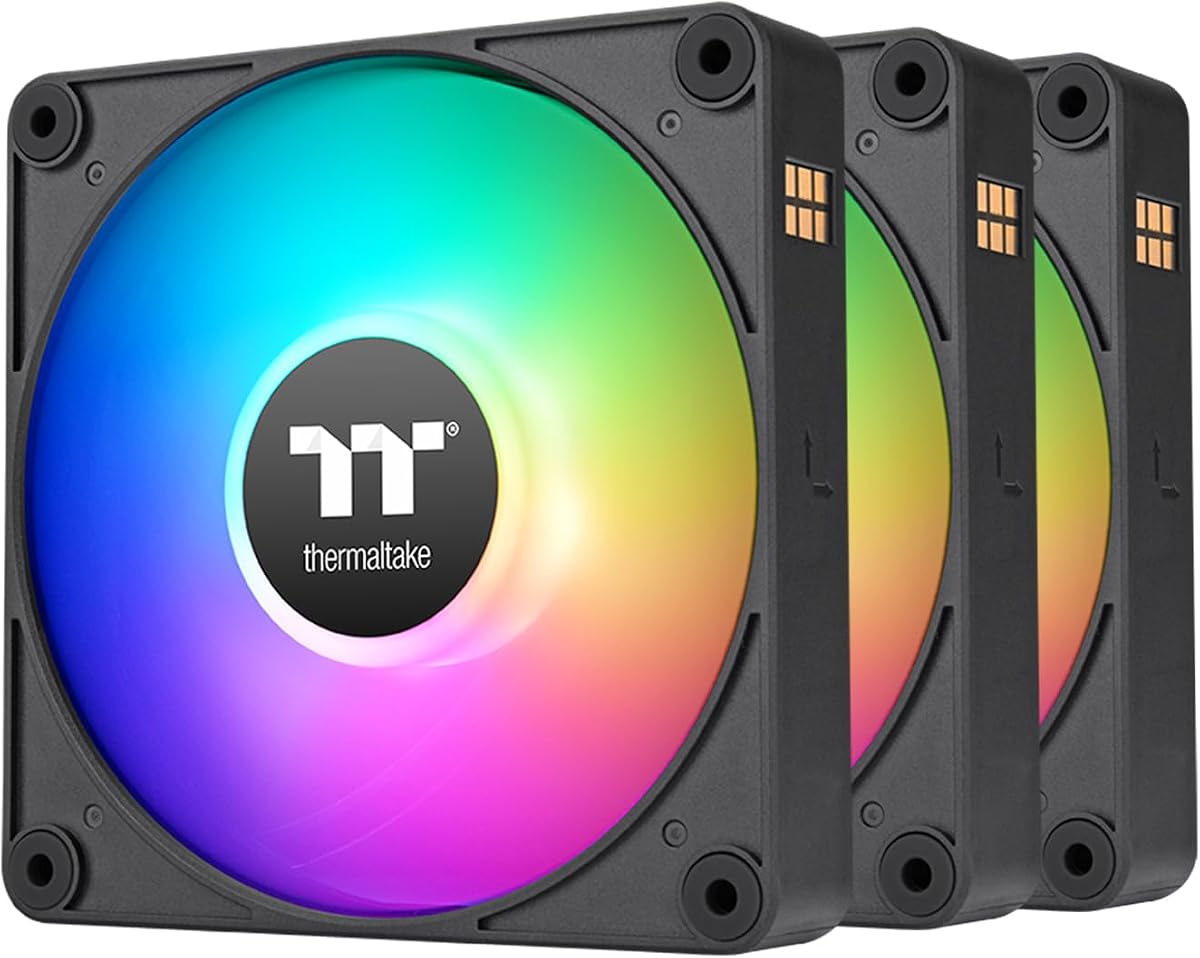


The Thermalright TL-C14C-S X3 earns the Editor's Choice position because it delivers the most balanced package in this guide. Its listed airflow of 75.8 CFM, maximum speed of 1500 RPM, noise rating of 26.4 dBA, and 1.93 mm H2O static pressure provide a versatile foundation for case ventilation, radiators, and CPU coolers. The three-fan pack also simplifies a multi-position installation.
We may earn a commission when you buy through this link, at no additional cost to you.
Its 4-pin PWM connection allows the motherboard to adjust speed according to system demand, while the 5V 3-pin ARGB interface supports up to 17 lighting modes and synchronization through a compatible motherboard. The soft silicone feet and noise-reducing seven-blade design are intended to balance cooling with low acoustic output. A 55-centimeter cable adds flexibility when routing wiring inside a larger chassis.
The main limitation is its 1.93 mm H2O static-pressure figure, which is lower than several premium and high-speed alternatives. That makes it less compelling for dense radiator arrays or restrictive mesh panels, although it remains versatile as a general case fan. The S-FDB bearing also provides a sensible basis for long-term use, but buyers seeking a complete premium cooling package may find more specialized options in the list.
This is the strongest recommendation for a builder who wants several ARGB fans, straightforward PWM control, and useful airflow without paying a premium for one specific style. Choose the TL-C14C-S X3 when a balanced three-fan set, relatively restrained noise specification, and broad cooling compatibility matter most. It is especially appropriate for general case airflow, entry-level radiator support, and coordinated builds.
The 4-pin PWM connection and 5V 3-pin ARGB interface make this pack straightforward to integrate with a compatible motherboard. Seventeen lighting modes provide visual variety, while automatic PWM control lets the system vary the fans according to operating conditions.
Three included fans make it easier to build intake and exhaust arrangements without assembling multiple separate purchases. The 140 by 140 by 25 mm size suits standard 140 mm mounting positions, and the stated airflow and noise figures make the set a practical all-around choice.
We may earn a commission when you buy through this link, at no additional cost to you.
The CORSAIR RS140 ARGB is the Best Premium selection because it pairs the highest listed airflow in the group with unusually strong static pressure. Its 95.5 CFM airflow, 3.46 mm-H2O pressure, and 1700 RPM maximum speed give it considerable headroom for radiators, heatsinks, and airflow-restricted chassis positions. The included pair is ideal for a radiator or a matched intake-and-exhaust pair.
We may earn a commission when you buy through this link, at no additional cost to you.
Daisy-chain installation is one of its most attractive practical features. Multiple fans can be linked and controlled through one 4-pin PWM connector and one 5V ARGB connector, reducing the number of motherboard headers required. Eight addressable LEDs in each fan provide customizable illumination through a compatible motherboard, while magnetic dome bearings and low-noise positioning support the product's quieter operating approach.
CORSAIR AirGuide technology adds anti-vortex vanes intended to direct air toward hot components, which is useful when a fan is mounted on a radiator or heatsink. The trade-off is that the package contains only two fans, so users creating a larger case-fan array may need additional hardware. ARGB synchronization also depends on a compatible motherboard, and the listed 1700 RPM ceiling is lower than the speed ceiling of both ARCTIC models in this guide.
The RS140 ARGB is the most attractive choice when radiator performance, high airflow, and organized wiring are priorities. It suits builders willing to invest more in a compact two-fan premium set rather than a larger budget pack. Choose it for a liquid-cooling radiator, a restrictive chassis, or a polished two-fan configuration where both airflow and visual coordination matter.
The 3.46 mm-H2O static-pressure specification gives the RS140 ARGB an advantage when air must pass through a dense radiator or other obstruction. Combined with 95.5 CFM airflow, it is well suited to cooling-focused installations rather than only open case positions.
Daisy-chain connections allow several fans to share a PWM header and an ARGB header. This can produce a cleaner build and reduce the need for extra splitters, provided the builder follows the motherboard and connection requirements.
We may earn a commission when you buy through this link, at no additional cost to you.
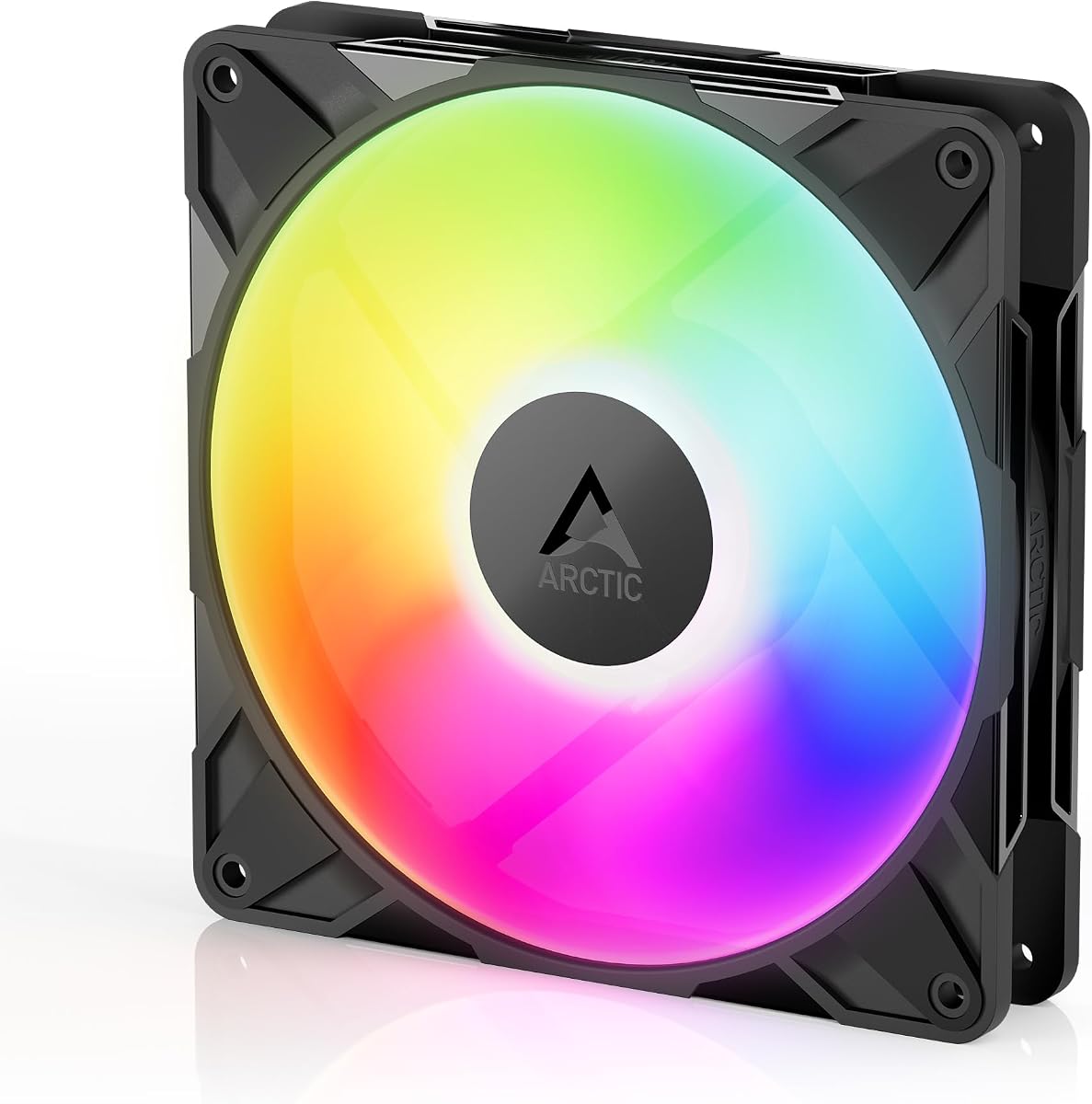
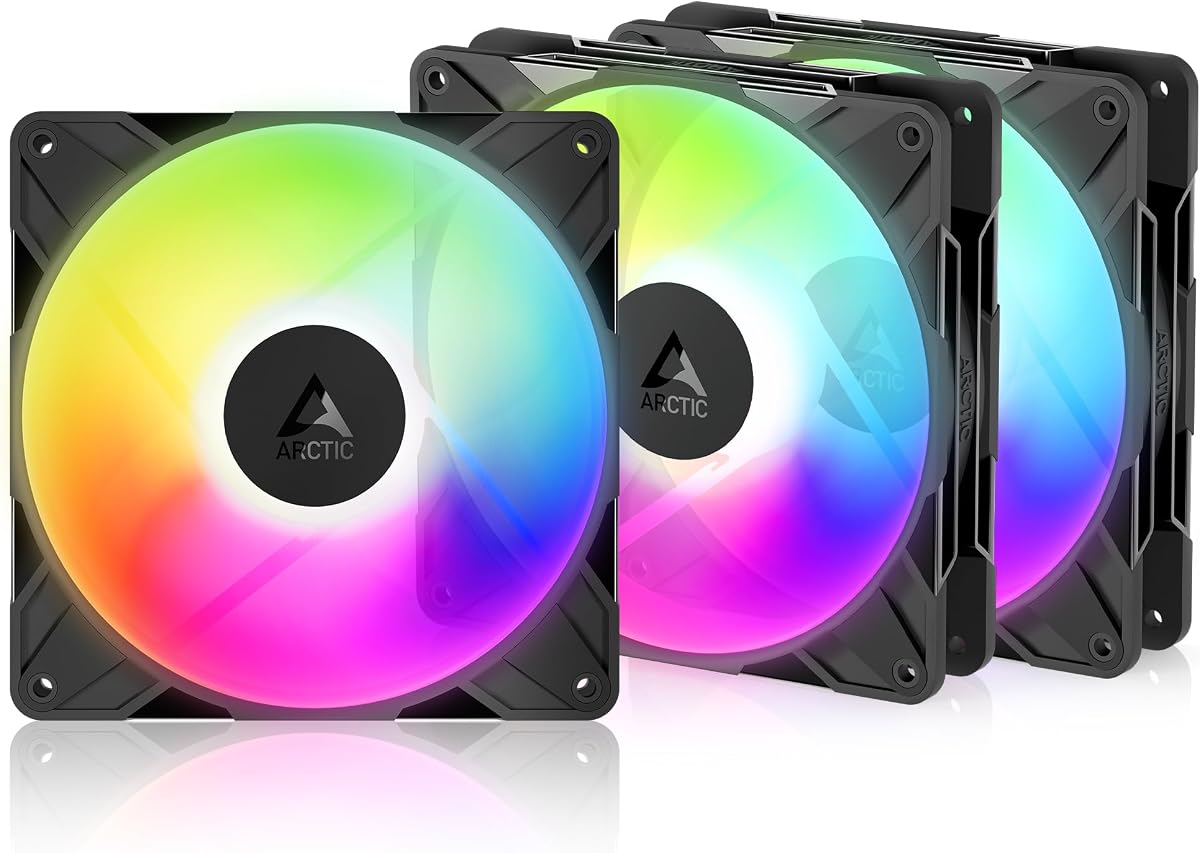
The ARCTIC P14 Pro Reverse A-RGB is the Best Budget pick for builders who want distinctive reverse airflow, a broad speed range, and a complete three-fan set. Its 4-pin PWM control spans 400 to 2650 RPM, and the fan can stop completely below 5% PWM. That flexibility makes it easy to balance quiet background operation with stronger cooling during demanding workloads.
We may earn a commission when you buy through this link, at no additional cost to you.
Reverse airflow is the defining feature. Instead of presenting the conventional fan face toward the viewer, this design draws air from the back and is intended for glass-fronted cases and other builds where the normal orientation would interrupt the visual presentation. The supplied Y-cable splitter assists installation, while the hydrodynamic bearing and precision manufacturing are designed to reduce vibration and support smooth, long-lasting operation.
The supplied specifications do not provide a numerical airflow or static-pressure value, so a direct performance comparison with the CORSAIR, AsiaHorse, and Thermalright models is not possible. The product is also more specialized than a standard airflow fan. Builders who do not need reverse orientation may find the conventional ARCTIC P14 Pro A-RGB more visually appropriate for their case.
This three-pack is best for glass-fronted systems, side-mounted fans, and other installations where reverse orientation has practical aesthetic value. It also suits users who want a low-speed and high-speed range from one PWM-controlled design. Choose it for visual presentation, flexible fan control, and a convenient multi-fan installation rather than solely for a published maximum airflow figure.
The 400 to 2650 RPM range offers meaningful control over noise and cooling output. Full stopping below 5% PWM can also keep the fans stationary during periods when additional cooling is unnecessary, depending on motherboard control behavior.
Reverse airflow helps preserve a clean visual profile in cases where the front of the fan would be prominent. This makes the model particularly relevant to builders who consider fan orientation and case presentation as important as cooling.
We may earn a commission when you buy through this link, at no additional cost to you.
The Thermaltake CT140 EX ARGB Sync stands out through installation convenience and a strong emphasis on coordinated lighting. This three-fan pack includes nine addressable LEDs per fan and supports 16.8 million colors through compatible 5V motherboard synchronization software. It is a natural fit for builders who want their case lighting controlled from one familiar software environment.
We may earn a commission when you buy through this link, at no additional cost to you.
MagForce 2.0 is the main practical advantage. The magnetic connection design is intended to simplify daisy-chaining, allowing multiple fans to connect with one cable rather than requiring a separate cable run to every position. The optimized hydraulic bearing supports reliable and silent operation, while the embedded anti-vibration mounting system helps reduce transmission of vibration into the case.
The supplied information does not list maximum speed, airflow, static pressure, or a numerical noise level, so cooling output cannot be compared as precisely as it can for several other selections. It also explicitly identifies the fan for both case and radiator use, but the absence of pressure specifications makes it more difficult to assess the demands of a dense radiator. Buyers should therefore consider the current listing and radiator requirements before choosing it solely for high-pressure cooling.
The CT140 EX ARGB Sync is best for coordinated builds where magnetic installation, motherboard-controlled lighting, and a three-fan package are the priorities. It suits builders who value neat cable management and a unified appearance over having every cooling metric published. Choose it when Thermaltake lighting integration and straightforward physical connections are central to the desired result.
MagForce 2.0 magnetic connections are intended to reduce the complexity of connecting several fans. The three-pack can therefore be easier to arrange in a coordinated intake, exhaust, or radiator layout than a set requiring independent wiring at every mounting position.
Nine LEDs per fan and support for 16.8 million colors create a flexible lighting effect. Compatible 5V motherboard software allows the CT140 EX ARGB Sync lighting to follow the wider system theme, making it especially suitable for showcase-oriented builds.
We may earn a commission when you buy through this link, at no additional cost to you.
The AsiaHorse Amici 140mm ARGB combines strong cooling figures with one of the most visually ambitious lighting designs in the guide. Its 89.77 CFM maximum airflow and 3.24 mm-H2O static pressure place it among the better choices for radiators and restrictive positions, while the specified 1800 RPM maximum provides a substantial operating ceiling.
We may earn a commission when you buy through this link, at no additional cost to you.
The infinity-mirror effect and 24 LED beads provide a distinctive frame around each fan. Lighting supports 16.8 million colors and synchronization with ASUS Aura Sync, Gigabyte RGB Fusion, and MSI Mystic Light Sync. Beneath the visual design, a nine-blade structure, rubber pads, precision balancing, and an oil-filled hydraulic bearing are intended to reduce vibration and operating noise.
PWM adjustment is listed from 800 to 1800 RPM, so it does not offer the same very low-speed flexibility as the ARCTIC P14 Pro family, whose motors can stop below 5% PWM. The wired daisy-chain recommendation of no more than three fans per chain is another important installation consideration. Although the model offers strong static pressure, the supplied information does not identify a specific radiator-size recommendation.
The Amici is a compelling option for a gaming build where both cooling specifications and a prominent infinity-mirror lighting effect are desired. It works particularly well for case ventilation and moderate radiator positions. Choose it when a high maximum speed, 24-LED appearance, and broad motherboard lighting compatibility outweigh the benefit of lower minimum-speed or full-stop control.
With 3.24 mm-H2O of listed static pressure, the Amici has useful capability when moving air through radiator fins or mesh. Its 89.77 CFM airflow figure further supports strong overall case and heatsink cooling.
The infinity-mirror treatment and 24 addressable LED beads make the fan visually prominent even when it is not the primary performance component. Support for three major motherboard synchronization ecosystems also makes it easier to match an existing build theme.
We may earn a commission when you buy through this link, at no additional cost to you.
The Cooler Master MasterFan MF140 Halo is one of the most distinctive-looking options in the guide. Its dual illuminated rings contain 24 individually controlled ARGB 3-pin LEDs, creating a layered lighting effect that is designed to be visible from the front and side of a PC case. Compatible software support includes Aura, Mystic Light, and Polychrome Sync.
We may earn a commission when you buy through this link, at no additional cost to you.
Cooling is handled by a hybrid static-pressure blade design intended for CPU liquid radiators, low-noise ventilation, and mesh chassis positions. PWM control operates between 650 and 1500 RPM, providing a useful balance of low-speed background cooling and higher output. Noise-reduction technology and sound-absorbing materials are included to support quieter operation and longer service life.
The listing includes an ARGB header extender, which can help with physical installation in systems with limited motherboard lighting headers. However, no numerical airflow or static-pressure figure is supplied, so the Halo's cooling performance is harder to benchmark directly. Its 650 RPM minimum also prevents the kind of near-stop or very-low-speed control offered by the ARCTIC selections.
The MF140 Halo is best for builders who want a refined lighting centerpiece and already know that their case or radiator can use a 140 mm fan. It is particularly appropriate for a showcase build in which the two illuminated rings will be visible. Choose it for appearance, broad software compatibility, and adjustable static-pressure cooling rather than for published maximum airflow comparisons.
The defining visual feature is a pair of addressable light rings powered by 24 individually controlled LEDs. The layered effect gives the fan a more dimensional appearance than a single conventional edge or frame light.
The hybrid static-pressure blades are designed to handle resistant cooling positions, including radiators and mesh chassis sections. A 650 to 1500 RPM PWM range lets the user tune the fan between lower output and maximum cooling.
We may earn a commission when you buy through this link, at no additional cost to you.
The ARCTIC P14 Pro A-RGB is built around maximum speed and precise control. Its 4-pin PWM connection supports a range up to 3000 RPM, the highest ceiling listed among these ten products, and the fan stops completely below 5% PWM. That combination gives builders a way to run the fan completely still when additional cooling is not required.
We may earn a commission when you buy through this link, at no additional cost to you.
A redesigned rotor blade profile is intended to balance performance and low noise, especially at lower speeds. The construction also includes minimal internal gaps, automatic balancing, and high-precision measurement to reduce vibration. A self-lubricating fluid dynamic bearing minimizes the need for conventional lubrication and supports smooth, quiet operation over the product's intended service life.
Although the fan is described as producing high static pressure and moving efficiently through dense radiators, narrow perforated panels, and mesh structures, the supplied data does not include numerical airflow or pressure values. As a result, it is difficult to quantify how it compares with the 95.5 CFM CORSAIR or the 3.46 mm-H2O pressure of the RS140. The extraordinary maximum speed may also be more than a quiet desktop build needs.
The P14 Pro A-RGB suits users who prioritize fine-grained PWM control, a broad operating range, and a conventional airflow orientation. It is a strong candidate for a radiator, high-performance case, or system where maximum output can be called upon during intensive workloads. Choose it when the ability to run at 3000 RPM and stop fully outweighs the value of published airflow figures.
The combination of a 3000 RPM maximum and full stop below 5% PWM gives users a particularly broad operating range. It allows substantial performance when needed and complete inactivity when the system does not require additional cooling.
Redesigned rotor blades, automatic balancing, and reduced internal gaps are intended to improve smooth running. The fluid dynamic bearing is self-lubricating, while the blade design is specifically noted for efficient low-speed operation.
We may earn a commission when you buy through this link, at no additional cost to you.
The second Thermalright TL-C14C-S X3 listing offers the same core 140 mm design in a three-fan pack, emphasizing quiet operation and straightforward case cooling. It provides 75.8 CFM airflow, a 1500 RPM maximum, and a stated noise level no higher than 26.4 dBA. These figures make it a sensible choice for general-purpose ventilation where acoustic comfort is important.
We may earn a commission when you buy through this link, at no additional cost to you.
Its seven-blade design, four soft silicone feet, and S-FDB bearing support a combination of heat dissipation and reduced noise. The 4-pin PWM connection allows automatic motherboard control based on system temperature, while the 55-centimeter cable is long enough to make routing easier in larger cases. The 5V 3-pin ARGB interface adds synchronized lighting without changing the core fan-control method.
The product's 1.93 mm-H2O static-pressure specification is modest compared with the CORSAIR and AsiaHorse choices, so it is less compelling for dense radiators or highly restrictive filters. It is also functionally similar to the first Thermalright pack in this guide, so shoppers should compare the current listing details carefully rather than assuming every three-pack configuration is identical.
This TL-C14C-S X3 option is best for builders creating a quiet, evenly ventilated case with several coordinated fans. It is suitable for CPU coolers and general case positions according to the supplied information, while the soft feet and stated noise level make it relevant to desktop or work-focused systems. Choose it for a low-noise three-fan arrangement with standard PWM and ARGB control.
The stated maximum of 26.4 dBA and the use of seven noise-reducing blades position this fan for quieter operation. Rubberized feet at all four corners are intended to reduce vibration transfer into the chassis.
The supplied 55-centimeter cable gives installers more freedom to connect the fan to a PWM header. This is particularly helpful in cases where the motherboard header and fan mounting area are separated by several components.
We may earn a commission when you buy through this link, at no additional cost to you.
The single-fan ARCTIC P14 Pro Reverse A-RGB shares the core design of the three-pack version while offering a more focused purchase for builders who only need one reverse-oriented fan. It reaches 2650 RPM through 4-pin PWM control and stops completely below 5% PWM, making it suitable for users who value both maximum output and true inactivity.
We may earn a commission when you buy through this link, at no additional cost to you.
The reverse-airflow construction is intended for glass-fronted cases and builds in which a conventional fan face would spoil the appearance. It draws air from the back side, preserving a cleaner visual orientation. The hydrodynamic bearing is self-lubricating, while precise manufacturing, minimal gaps, and automatic balancing are intended to limit vibration and maintain smooth operation.
The missing airflow and static-pressure values limit the ability to compare this model numerically with the performance-led alternatives. A single-fan package also offers less immediate value for a full case-refresh project, although it allows the buyer to add additional fans gradually. As with other ARGB products, lighting integration depends on a compatible 5V connection and appropriate motherboard control.
This model is best for a targeted visual upgrade, such as adding one reverse fan to a glass-fronted case, or for a builder who prefers to configure each position independently. It also makes sense for users who want broad PWM control without paying for a larger pack. Choose it for reverse orientation, a 2650 RPM ceiling, and the ability to stop the fan completely.
The back-side intake orientation keeps the conventional face away from prominent viewing angles. This is particularly useful in glass-fronted systems where fans mounted directly behind the panel can strongly influence the build's appearance.
A 2650 RPM ceiling supports substantial cooling output, while the full-stop capability below 5% PWM allows the fan to remain inactive when appropriate. The hydrodynamic bearing and balancing measures support smooth operation across the speed range.
We may earn a commission when you buy through this link, at no additional cost to you.
The Thermalright TL-C14C-S is the most straightforward single-fan entry in this guide. It supports 4-pin PWM control up to 1500 RPM and includes a 5V 3-pin ARGB interface, giving users the two features most often sought in a modern 140 mm case fan. Its S-FDB bearing and seven-blade construction are designed to support cooling and sustained operation.
We may earn a commission when you buy through this link, at no additional cost to you.
The lighting system provides up to 17 modes, and colors can be managed and synchronized through a compatible motherboard. Soft silicone feet at each of the four corners help reduce vibration, while the noise-reducing blade design is intended to balance heat dissipation with lower acoustic output. Automatic motherboard speed control allows the fan to respond to system temperature through its PWM connection.
Unlike several multi-pack alternatives, this listing includes one fan, making it a more flexible choice for builders who need only an additional position. However, the supplied information does not state a numerical airflow or static-pressure figure, so its cooling capacity is less transparent than the 75.8 CFM and 1.93 mm-H2O figures associated with the related three-pack listings. It should therefore be evaluated primarily as a versatile case or CPU-cooler fan.
The TL-C14C-S is best for a single replacement, a small upgrade, or gradual case-fan expansion. It is appropriate for users who need standard PWM control and basic ARGB synchronization without purchasing a full set. Choose it for a straightforward 140 mm installation, particularly in a case or cooler position that does not require the high static pressure associated with more specialized premium models.
Up to 17 ARGB modes provide more than a single fixed light effect, and motherboard synchronization allows the fan to follow a broader system theme. The standard 5V 3-pin lighting interface is familiar to most current ARGB installations.
A single fan is useful when only one mounting position needs to be filled or upgraded. Its 4-pin PWM connection, seven-blade design, and soft corner feet make it a versatile choice for case ventilation, CPU coolers, and compatible cooling setups.
We may earn a commission when you buy through this link, at no additional cost to you.
The right ARGB 140 mm fan depends on where it will be installed, how much resistance the air must overcome, and how much control you want over speed and lighting. Review the following factors before comparing models.
Airflow describes the volume of air a fan can move, while the placement determines how useful that volume will be. Open case positions generally benefit from strong overall airflow, while exhaust positions must also move air through filters or mesh. Among the models with published figures, the CORSAIR RS140 leads at 95.5 CFM, the AsiaHorse Amici follows with 89.77 CFM, and the Thermalright TL-C14C-S X3 is listed at 75.8 CFM. Other products describe strong performance without supplying a numerical airflow value.
Static pressure indicates how effectively a fan can push air through resistance such as radiator fins, dense filters, and mesh panels. The CORSAIR RS140 has a listed static pressure of 3.46 mm-H2O, the AsiaHorse Amici is listed at 3.24 mm-H2O, and the Thermalright TL-C14C-S X3 is listed at 1.93 mm-H2O. The ARCTIC products claim suitability for dense radiators and restrictive structures, although no numerical pressure values are supplied.
A useful PWM range lets the motherboard vary fan speed with temperature and workload, reducing unnecessary noise during light activity. The Thermalright models top out at 1500 RPM, the CORSAIR reaches 1700 RPM, the AsiaHorse runs to 1800 RPM, and the ARCTIC fans reach 2650 or 3000 RPM. The ARCTIC P14 Pro models also stop completely below 5% PWM, while the Thermalright fans use a lower-bound control strategy within their stated range.
The fan bearing affects smooth operation, noise, and expected service life. The selected products use variations of fluid dynamic, hydrodynamic, or S-FDB bearings. The ARCTIC models emphasize self-lubrication, precision balancing, and minimal internal gaps, while the Cooler Master, Thermaltake, and AsiaHorse products highlight sound-absorbing materials, anti-vibration mounting, or hydraulic bearing construction. Rubber feet or anti-vibration systems are also valuable for reducing vibration transferred into a case panel.
ARGB lighting normally uses a 5V three-pin connection, but compatibility still depends on the motherboard header and control software. The AsiaHorse Amici explicitly supports ASUS Aura Sync, Gigabyte RGB Fusion, and MSI Mystic Light Sync. The Cooler Master MF140 Halo lists Aura, Mystic Light, and Polychrome Sync. Other products support motherboard synchronization generally, so buyers should verify the available header and software before ordering.
Connection design can determine how clean and convenient a multi-fan installation will be. The CORSAIR RS140 uses daisy-chain connections for PWM and ARGB, the Thermaltake CT140 EX uses MagForce 2.0 magnetic daisy-chaining, and the AsiaHorse Amici uses wired male and female connectors with a recommended limit of three fans per chain. The three-pack ARCTIC model includes a Y-cable splitter, while the Thermalright models provide approximately 55-centimeter cables.
Most 140 mm fans use a conventional orientation, but reverse-airflow models draw from the opposite side to keep the regular fan face out of view. The ARCTIC P14 Pro Reverse A-RGB is designed for glass-fronted builds and other visually prominent positions. A conventional model may be preferable when a standard fan face is desired or when the chassis design does not call for reverse orientation.
Pack size affects both convenience and future planning. Three-fan packs from Thermalright, Thermaltake, and ARCTIC can support a complete intake-and-exhaust arrangement more quickly, while the two-fan CORSAIR pack is concise for a radiator pair. Single-fan products let a builder add fans gradually or replace one position without acquiring extra units. Before purchasing, map the available 140 mm mounts and decide how the group will be arranged.
Before installation, identify the 4-pin PWM header and a compatible 5V three-pin ARGB header on the motherboard. Check the case's 140 mm mounting positions, confirm radiator or heatsink dimensions, and plan the direction of airflow. Connect the fan to the appropriate power and lighting headers, use any supplied splitter or daisy-chain connector as directed, and avoid connecting a 5V ARGB header to a 12V RGB header.
Route the fan cables away from sharp edges, rotating blades, and CPU cooler mounting hardware. Secure each fan with the correct screws, and ensure the airflow label points in the intended direction. If the motherboard's PWM software offers a fan curve, set a gradual profile that allows the fans to remain at low output when possible and rise as component temperatures increase. For ARGB control, use compatible motherboard software and select a synchronized lighting effect.
During routine care, power the system down before handling a fan. Check that cables have not been pinched and that the frame does not rub against the chassis. Use compressed air to remove dust from the blades and openings without forcing debris deeper into the fan. Do not oil the bearing unless the manufacturer specifically instructs you to do so, because several selected models use self-lubricating fluid-based bearings. If a fan becomes noisy or develops vibration, verify mounting alignment and cable tension before considering replacement.
Yes, but the radiator and mounting position must be compatible with a 140 mm fan. Static pressure is especially important because the fan must push air through radiator fins. The CORSAIR RS140 and AsiaHorse Amici publish higher static-pressure figures than the Thermalright TL-C14C-S X3, while the ARCTIC P14 Pro models are described as capable of handling dense radiators and restrictive structures. Always check the radiator dimensions and the fan's mounting holes before installation.
ARGB uses individually addressable diodes, allowing separate colors, gradients, and detailed effects, while conventional RGB lighting usually treats the entire strip as one color zone. The products in this guide use 5V three-pin ARGB connections. ARGB lighting is not interchangeable with 12V four-pin RGB headers, so verify the motherboard connector and software support before buying.
Only if the mounting location physically supports a 140 mm fan. A 140 mm model is larger than a 120 mm model and may not align with the same screw pattern. Case and radiator dimensions should be checked before purchase. A 140 mm fan can also move a larger volume of air at a given speed, but actual performance depends on the chassis layout and the available mounting position.
A zero-RPM mode allows the fan to stop completely during specified operating conditions, typically when temperatures are low. Both ARCTIC P14 Pro selections in this guide can stop below 5% PWM. Other fans may run at a low speed instead, so builders who prioritize a completely motionless display system should check the exact PWM behavior of the chosen model.
Daisy-chaining is intended to reduce the number of separate cables and headers, but the total connected load and the manufacturer's guidance must be respected. The AsiaHorse Amici recommends no more than three fans per chain, and the other products use their supplied connectors or splitters as directed. Use the included or specified connection method and confirm that the motherboard and any controller can handle the connected fans.
ARGB lighting can add a small amount of heat compared with an unlit fan because the LEDs and their control circuitry draw power. That effect is generally secondary to the heat generated by the computer's main components, but it is another reason to select a suitable fan curve rather than running every fan at maximum speed. Proper chassis airflow and radiator placement remain the larger cooling considerations.
A common approach uses front and bottom positions as intakes and rear or upper positions as exhausts, although the correct arrangement depends on the chassis and any radiator placement. Fans should create a coherent path through the case rather than compete with one another. For radiator installations, confirm the required direction and make sure nearby components and cables do not obstruct airflow.
Static pressure describes the fan's ability to maintain airflow against resistance. It is more important than raw airflow when the fan must push air through a radiator, dense filter, or narrow mesh. For open case positions, maximum airflow and PWM behavior may be more useful indicators. Ideally, compare both figures and also consider noise, bearing design, speed range, and connection requirements.
The Thermalright TL-C14C-S X3 is the most balanced overall choice because it combines a three-fan package, 75.8 CFM airflow, 26.4 dBA stated noise, PWM control, and ARGB synchronization. The CORSAIR RS140 ARGB is the premium performance option for builders who need high airflow and 3.46 mm-H2O static pressure, while the ARCTIC P14 Pro Reverse A-RGB three-pack offers broad speed control, full stopping, and reverse airflow at a budget-conscious position.
The remaining picks serve distinct priorities. The Thermaltake CT140 EX ARGB Sync focuses on magnetic daisy-chaining and coordinated lighting, the AsiaHorse Amici combines 89.77 CFM airflow with an infinity-mirror design, and the Cooler Master MF140 Halo emphasizes dual illuminated rings. The standard ARCTIC P14 Pro A-RGB is suited to buyers who want a 3000 RPM maximum and full PWM stopping, while the single-fan products suit targeted upgrades and gradual installations.
Before ordering, confirm the case mounting positions, radiator dimensions, PWM and ARGB headers, lighting software, and chain limits. Review the current product listing for the latest specifications and availability, as fan designs and bundles can change. Product pricing also fluctuates, so compare the current offer with the features and placement requirements that matter most to your build.