
MUNBYN Portable Printer Wireless for Travel
4.4Editor score
Compact 1.57-pound design
US Letter and A4 support
Bluetooth and USB-C options
Template-based mobile app
An inkless portable printer for travel can turn a phone, tablet, or laptop into a practical mobile office, but only when it suits the way you travel. Important considerations include thermal-paper compatibility, supported page sizes, device connections, battery endurance, print resolution, and how easily the unit fits into a bag.
This guide compares ten thermal printers designed for mobile use, covering compact models, larger letter-size options, touchscreen devices, and bundles that include cases or paper. The analysis focuses on stated specifications, connectivity, paper handling, power capacity, included accessories, and practical travel considerations rather than laboratory testing.
The list reveals which models are most suitable for frequent flyers, students, field workers, and people who need dependable full-page documents. Every printer produces black-and-white thermal output, and all require specialized thermal paper rather than ordinary copy paper. Prices and availability can change, so verify current listings before purchasing.
4.4Editor score

4.2Editor score

4.6Editor score
As an Amazon Associate we earn from qualifying purchases.
The comparison highlights the major differences among all ten models, including weight, resolution, page size, battery capacity, connection method, and bundled accessories. These specifications help reveal which printer best matches a traveler's bag, device setup, and document requirements.
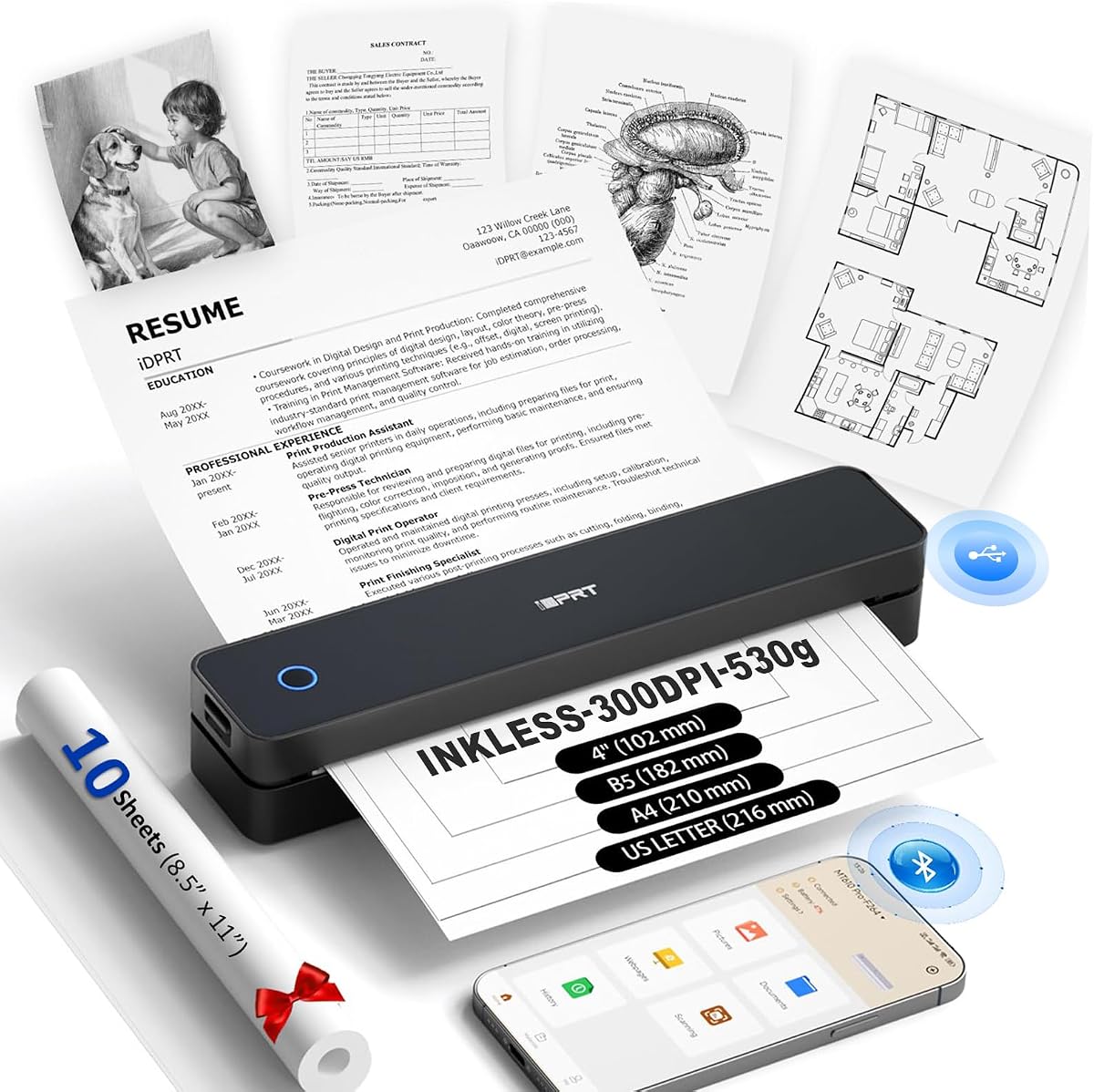


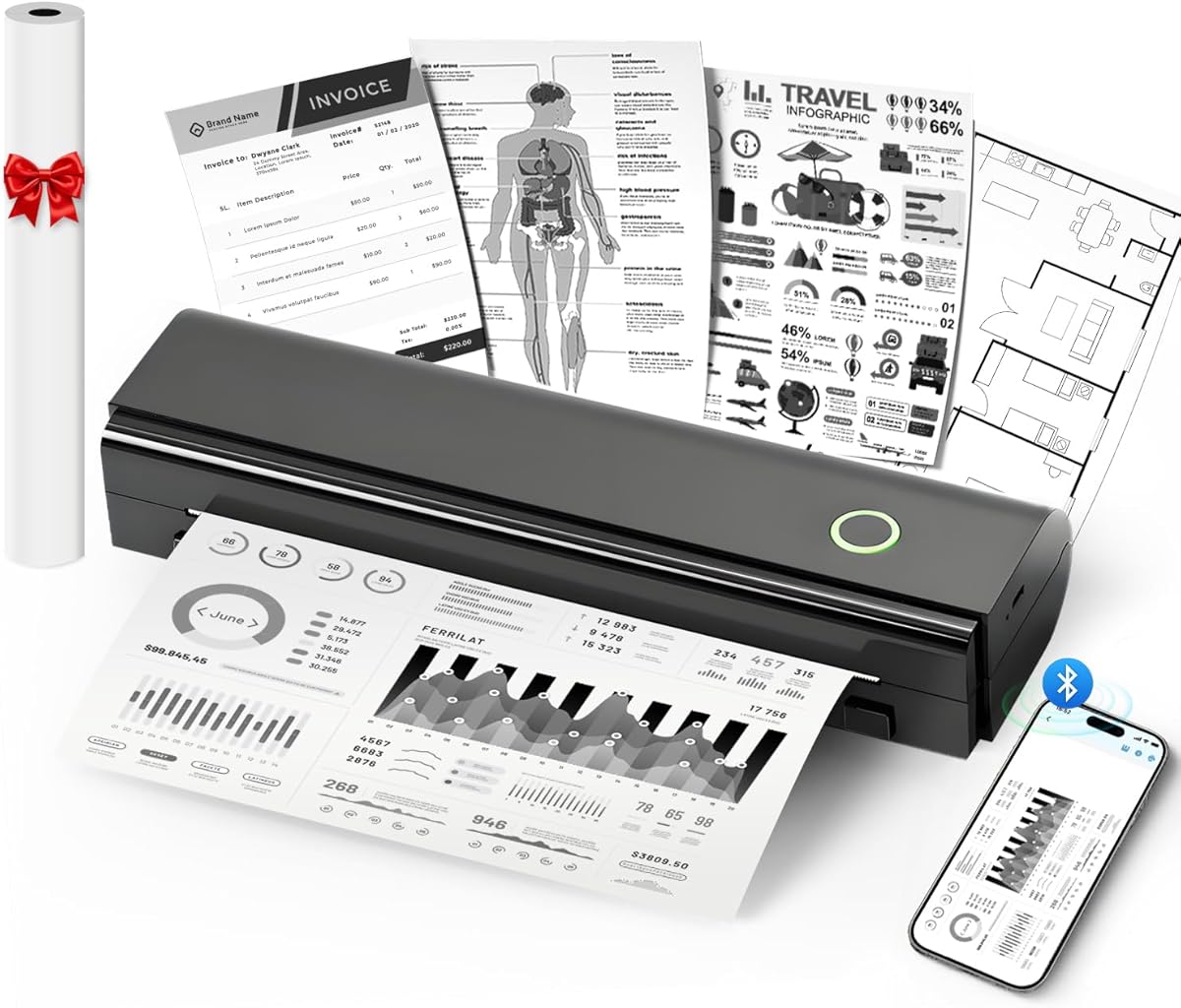

The MT610Pro is a compact wireless thermal printer with a 4.1 rating and one of the most travel-friendly specifications in this roundup. At 1.2 pounds and 1.6 inches thick, it should be easier to accommodate than larger units in a backpack or work bag. Its stated 300 DPI resolution also makes it appealing for text, charts, diagrams, and QR codes.
We may earn a commission when you buy through this link, at no additional cost to you.
Connection options cover a broad range of travel scenarios. Bluetooth 5.0 works with compatible iOS, Android, Windows, and Mac systems through the HerePrint app or appropriate computer drivers, while USB-C provides a wired alternative. The printer supports US Letter, A4, A5, B5, and four-inch thermal paper, giving it more flexibility than a model designed only for receipt rolls.
The 2000mAh rechargeable battery is stated to provide up to 200 pages per charge, which is useful for a traveler who cannot rely on a hotel or airport outlet. Important limitations remain: output is black and white, only thermal paper is compatible, and a mobile app or computer driver is required. The unit is therefore less convenient for someone expecting ordinary office paper or completely driverless printing.
This model is a strong choice for business travelers, students, and mobile professionals who want full-page capability without carrying a large printer. Its combination of low weight, multiple page sizes, and 300 DPI output makes it more versatile than many compact alternatives. For users who prize portability and useful flexibility over a large touchscreen, the MT610Pro deserves strong consideration.
Supporting US Letter, A4, A5, B5, and four-inch thermal paper allows the printer to handle contracts, reports, notes, and smaller quick-print jobs. That range makes it more adaptable for mixed travel assignments than a compact receipt-only model.
The stated 300 DPI resolution is suitable for crisp text, simple graphics, and QR codes. As with every model here, thermal paper is mandatory and color output is unavailable, so those constraints should be accepted before purchase.
We may earn a commission when you buy through this link, at no additional cost to you.
The ETIKEZ D90E is a travel-oriented thermal printer built around full-size US Letter output. Its 4.3 rating is among the stronger results in the group, and the included carrying case, USB-C cable, guide, and ten sheets of paper create a more complete travel package than many competing bundles.
We may earn a commission when you buy through this link, at no additional cost to you.
Its paper system accepts 8.5-by-11-inch A4-compatible thermal paper, including the specified compatible rolls, but ordinary copy paper will not work. Mobile users connect by Bluetooth through the Labelnize app, while computers use USB and a downloaded driver. The product is not compatible with Chromebooks, which is a meaningful limitation for travelers whose primary device runs ChromeOS.
The 2.08-pound weight is the heaviest listed, and that difference becomes more noticeable when the printer, compatible paper, cables, and case share one carry-on. The trade-off is a straightforward full-page design with a built-in style of mobile workflow. Its jam guidance is also clearly described: pressing the power button can trigger paper ejection, while the cover should not be forced open.
The D90E is best for users who prioritize standard letter documents and want a protective case as part of the package. It is less attractive for Chromebook owners or travelers who want the lightest possible option. Even so, its straightforward paper path, complete accessory set, and full-size capability make it a practical choice for contract-focused travel.
The included case helps protect a printer that is likely to move between a briefcase, vehicle, and client site. Ten sheets of thermal paper provide a starting supply, while the cable and guide simplify initial setup.
The printer concentrates on 8.5-by-11-inch thermal paper, making it useful for contracts and office documents. It does not accept standard copy paper, and buyers should confirm their preferred paper supplies are compatible.
We may earn a commission when you buy through this link, at no additional cost to you.
The Gloryang model combines a 4.2 rating with a travel bundle that includes a carrying case, charging cable, manual, guide card, and three thermal paper rolls. One roll is preinstalled, while two extras are included, reducing the chance that a user will encounter an immediate paper shortage after setup.
We may earn a commission when you buy through this link, at no additional cost to you.
At 1.75 pounds and 1.7 inches thick, the printer is compact enough for a briefcase or backpack. Its built-in paper bin helps keep the workspace tidy, while two loading methods and a document range from two to 8.5 inches offer some operating flexibility. Bluetooth connectivity through the Jadens Printer app serves compatible iOS and Android devices, and laptops can be connected after driver installation.
Compatibility is the central caveat. The stated package information says the printer works only with Gloryang thermal paper and not with regular, inkjet, or plain paper. That restriction can simplify consistency but limits purchasing flexibility, especially for travelers who need to replenish supplies while away from the brand's preferred stock.
This is a good option for students, professionals, and families who want a ready-to-use portable package rather than a bare printer. The combination of three rolls, a carrying case, a built-in bin, and 300 DPI output is especially convenient. Buyers who can commit to the compatible paper system will find the bundle more complete than many alternatives.
With one installed roll and two spare rolls, the package covers both initial setup and several replacement cycles. Including a case also reduces the need to source a separate protective sleeve for travel.
Two loading methods and support for output from two to 8.5 inches make the printer adaptable to different thermal formats. Paper compatibility remains specific to the stated Gloryang thermal media.
We may earn a commission when you buy through this link, at no additional cost to you.
The NDYIN N80 is a 1.5-pound portable thermal printer with a 4.1 rating. It supports US Letter and A4 thermal paper, accepts roll, folded, and tattoo transfer paper, and can print mobile PDFs, Word documents, pictures, and web pages. That variety gives it a broader media profile than several other models in the guide.
We may earn a commission when you buy through this link, at no additional cost to you.
Its 203 DPI technology produces clear text and line-based documents, while the built-in 1500mAh battery is stated to print up to 160 US Letter sheets per charge. Bluetooth works with compatible iPhones, Android phones, iPads, and tablets through the Nada Print app. Laptops and computers require USB-C and a driver, with no Bluetooth connection supported for those systems.
The bundle includes a US Letter thermal paper roll, user manual, guide card, Type-C cable, and Type-C adapter, although the charging adapter is not included. Users must also select the correct paper size in the app during setup. As with the other models, regular paper cannot be used, and the printer's specialized media support should be considered before traveling.
The N80 is most compelling for users who need more than standard letter documents, particularly anyone interested in tattoo transfer paper. It also works for mobile professionals, students, and roadside users who value a relatively light body and useful battery capacity. Those wanting direct laptop Bluetooth printing should choose another model.
Support for tattoo transfer paper distinguishes the N80 from document-focused competitors. Roll and folded thermal media add further flexibility for labels, notes, and smaller-format output.
The Nada Print app handles phone and tablet connections, while USB-C provides a separate computer route. Setting the paper-size switch correctly in the app is an essential first step for reliable results.
We may earn a commission when you buy through this link, at no additional cost to you.
The A285M is a 1.5-pound compact thermal printer offering an unusually broad selection of paper widths. It supports US Letter, A4, 4.33-inch, 3.14-inch, and 2.08-inch thermal media, along with continuous and single-sheet formats. That makes it a practical choice for users who alternate between full documents, receipts, lists, and compact notes.
We may earn a commission when you buy through this link, at no additional cost to you.
Phones and tablets connect through Bluetooth using the app described in the manual, while laptops and computers use USB-C after a driver is downloaded from the stated support site. The built-in paper bin is useful for travel because it keeps rolls or sheets contained. Output is black and white, and ordinary copy paper is explicitly unsupported.
The printer's 4.0 rating is the lowest in this comparison, although the listed specifications cover many common mobile printing needs. Charging instructions specify 5V 2A, with a warning against using a charger that outputs more than 5V. This is an important detail for travelers carrying universal adapters and should be checked before departure.
The A285M is best for a student, mobile notary, driver, teacher, or office worker who wants one compact device for multiple thermal paper sizes. It offers more width flexibility than many rivals, but buyers should choose it primarily for its format range rather than for color output, ordinary-paper support, or a particularly large display.
The broad width range lets users move between full-page reports, A4 documents, and smaller receipt or label formats. Its built-in bin also makes changing between those jobs more convenient.
The stated use cases include vehicles, construction sites, schools, and small offices. Mobile app setup and the specified 5V charging requirement add preparation steps that should be completed before travel.
We may earn a commission when you buy through this link, at no additional cost to you.
The RONGTA F11A is aimed at straightforward office, school, home, and travel printing. Its 4.0 rating places it toward the lower end of the list, but the specifications cover important business-document sizes, including US Letter, Legal, and A4 thermal paper. The 203 DPI printhead is designed for forms, letters, assignments, and study materials.
We may earn a commission when you buy through this link, at no additional cost to you.
Setup takes place through the RONGTA app on compatible Android and iOS devices. The printer cannot be paired directly with a phone or tablet; users must first download the app and establish the connection there. Laptops connect by USB, with stated support for Windows 7 through 11 and macOS. Chrome is not supported, and normal paper cannot be loaded.
The absence of ink, toner, and ribbons keeps the supply chain simple, while compact dimensions make the unit suitable for backpacks and totes. The trade-off is that the software workflow is not entirely universal. A traveler who depends on Chrome-based devices or expects to print without an app may find that setup is less flexible than with competing models.
The F11A is a sensible option for business travelers and students who already work within Android, iOS, Windows, or macOS ecosystems and need contracts, inventory lists, or office documents. Its Legal support is a useful distinction, but setup requirements and the absence of direct Bluetooth pairing should be considered before choosing.
US Letter, Legal, and A4 support covers common professional and academic formats. Travelers can select the appropriate thermal roll or sheet without relying on a conventional inkjet-style paper path.
The RONGTA app is not merely an optional convenience; direct phone or tablet Bluetooth pairing is not supported. Travelers should install and test the required software before leaving.
We may earn a commission when you buy through this link, at no additional cost to you.
The Phomemo M832D is among the most feature-rich portable thermal printers here, combining a 4.2 rating, a 1.5-pound body, 300 DPI output, and a built-in digital display. The touchscreen provides battery status, connection status, and paper-placement information, making it especially useful for travelers who want visible feedback without navigating every setting through an app.
We may earn a commission when you buy through this link, at no additional cost to you.
Its 2600mAh battery is stated to deliver up to 200 pages per charge. The printer supports US Letter, A4, 2.08-inch, 3.15-inch, and 4.33-inch thermal paper, accepting roll, folded, and single-sheet formats. That mix accommodates full contracts, study notes, and smaller paper jobs without requiring a separate device.
Bluetooth serves compatible iPhones, Android phones, and iPads, while laptops and computers use USB-C after the appropriate setup. The product does not support Bluetooth for computers, so a cable and driver workflow may be necessary. Thermal paper remains required, and the device produces black-and-white output rather than full-color documents.
The M832D is a strong recommendation for frequent travelers who value clear status information, flexible paper handling, and a capable battery. It is less suitable for someone who wants a completely screen-free, app-free device or direct laptop Bluetooth printing. For most users, however, the touchscreen makes everyday operation more approachable.
The display helps users check battery, connection, and paper placement before starting a job. This reduces guesswork and is particularly helpful for first-time users or travelers working in unfamiliar spaces.
A stated capacity of 200 pages per charge gives the M832D a useful endurance benchmark. Actual results can vary with page coverage, print density, and power management, so the claim should be treated as a manufacturer specification.
We may earn a commission when you buy through this link, at no additional cost to you.
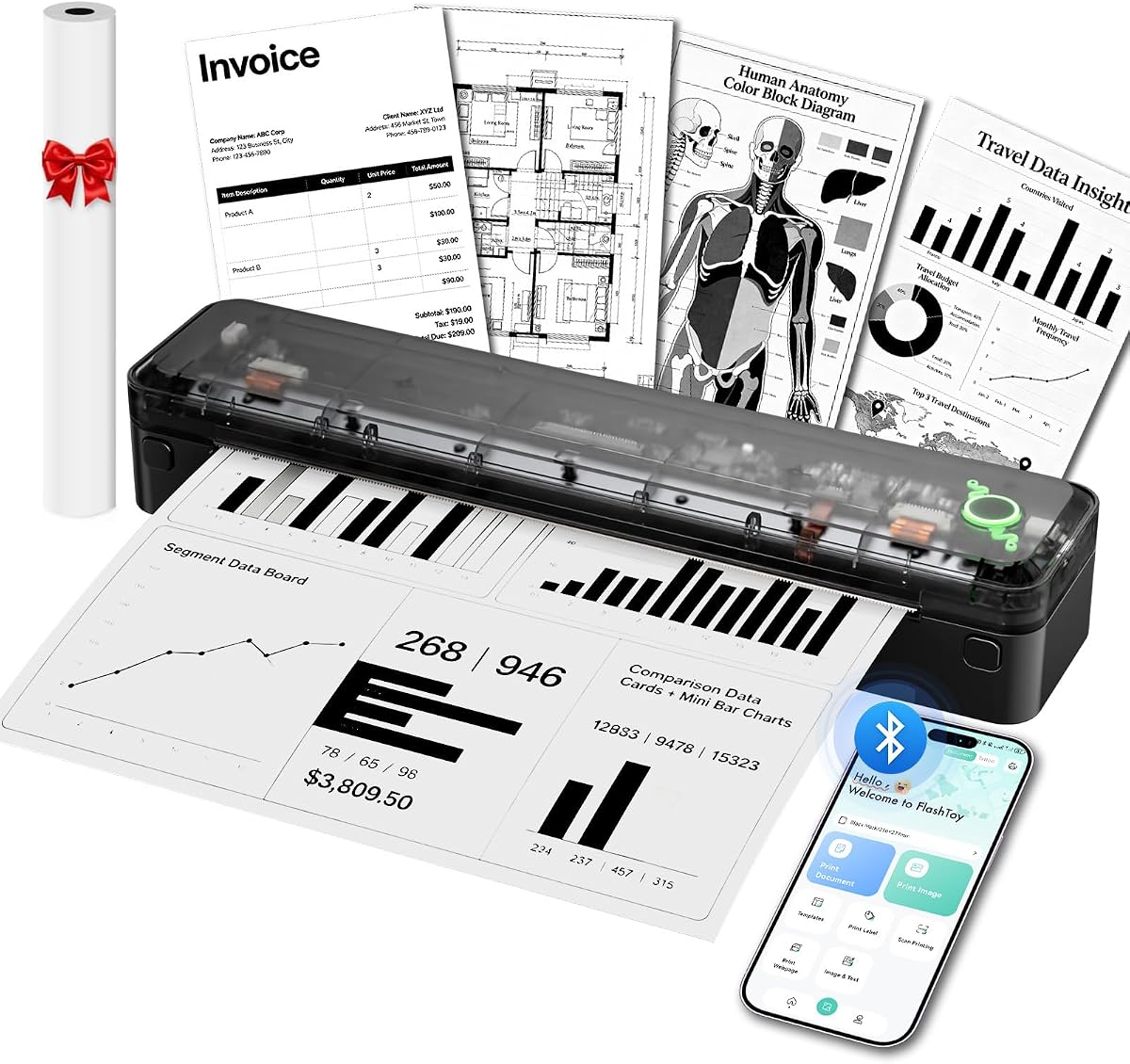
The Arrvel A8 has a 4.2 rating and a distinctive slim design, weighing 1.37 pounds and measuring 11.36 by 2.54 by 2.01 inches. Its frosted graphite-translucent cover gives it a modern appearance, while the built-in paper compartment keeps thermal rolls and fanfold media contained inside the body.
We may earn a commission when you buy through this link, at no additional cost to you.
Its 3000mAh battery is stated to print up to 200 US Letter or A4 sheets per charge, making it one of the strongest battery specifications in the group. Mobile devices connect by Bluetooth through the Flashtoy app. For computers, USB works with Windows, macOS, ChromeOS, and Linux after driver installation, and Windows PCs can also use Bluetooth once the appropriate driver is installed.
Paper support extends from receipt-size formats to A4 and US Letter thermal media, including specified 54mm, 80mm, and 110mm widths. The 203 DPI resolution is suitable for readable tables, forms, charts, line drawings, and standard documents, though it is lower than the 300 DPI offered by the two Phomemo models in this guide.
The A8 is a good fit for mobile offices that work across a wide range of operating systems. It includes an installed thermal paper roll, USB-C adapter and cable, velvet travel bag, and manual, although a charging adapter is not included. Users who prioritize broad system support and battery capacity over high-resolution output will find it especially relevant.
Windows, macOS, ChromeOS, and Linux support give the A8 one of the broadest computer-platform ranges in the roundup. USB remains the dependable option for every listed system.
The built-in compartment eliminates the need for a separate external holder. It is especially helpful for full-page thermal media, which can otherwise curl or become awkward to carry.
We may earn a commission when you buy through this link, at no additional cost to you.
The Phomemo M85 holds the highest customer rating in this comparison at 4.6, and its defining feature is the large touchscreen. That display can preview templates, show connection and battery status, display paper position, and eventually print saved templates directly without returning to the app. The interface also includes multilingual support, personalization options, and automatic updates.
We may earn a commission when you buy through this link, at no additional cost to you.
Its folding, umbrella-inspired body weighs 1.6 pounds, making it compact enough for a backpack despite the larger touchscreen. A 3500mAh battery is stated to support more than 200 pages per charge. The printer accepts US Letter, A4, 4.33-inch, 3.14-inch, and 2.08-inch thermal paper in roll, folded, and single-sheet formats.
Bluetooth works with compatible Android and iOS devices, while USB-C supports macOS, Windows, ChromeOS, and Linux. Major document and image formats, including Word, Excel, PDF, and JPG files, are supported. The initial template workflow is important: users must upload templates through the app before they can print them from the touchscreen.
This is the premium choice for a traveler who wants the most interactive control experience and a generous battery specification. The package includes a carry bag, four rolls covering several sizes, a USB-C cable, and a manual. It is less suitable for buyers who prioritize the smallest possible packed footprint or immediate direct-screen printing without prior setup.
The touchscreen is more than a status display: it can preview and run templates after they have been uploaded through the app. That creates a convenient path for repeated travel documents without returning to a phone each time.
A 3500mAh battery and four included rolls make the M85 ready for substantial paper use. Users who complete template setup before departure can benefit most from its direct touchscreen printing.
We may earn a commission when you buy through this link, at no additional cost to you.
The MUNBYN portable printer combines a strong 4.4 rating with compact dimensions of 10.7 by 2.56 by 1 inch and a weight of 1.57 pounds. Its stated size is comparable to a water bottle, and the product is designed to slide into a laptop bag, briefcase, or vehicle storage area. It offers a practical balance of portability and letter-size capability.
We may earn a commission when you buy through this link, at no additional cost to you.
The adjustable paper slot accepts US Letter, A4, B5, and A5 thermal media. Bluetooth connects with compatible iOS, Android, and Windows devices, while the MUNBYN app supports PDFs, Word documents, webpages, and templates. macOS users must connect through USB. Like the other products here, the printer requires thermal paper and produces black-and-white output only.
Its inkless thermal process removes the need for ink, toner, or ribbons and avoids the clogging and dried-cartridge issues associated with inkjets. That makes replenishment predictable, although users still need to carry compatible thermal paper. The absence of a stated touchscreen means most configuration takes place in the app, which may appeal to those who prefer a straightforward mobile workflow.
The MUNBYN is a strong value-oriented recommendation for travelers, students, and mobile workers who need several document sizes without a premium display. It is particularly useful for invoices, contracts, assignments, and full-page notes. The main limitations are mandatory USB for macOS, the lack of color, and the need to source the right thermal media.
Its narrow, one-inch-thick body is easy to place in a laptop sleeve or briefcase. At 1.57 pounds, it remains portable without moving into the much smaller receipt-printer category.
US Letter, A4, B5, and A5 support covers a useful range of professional and academic formats. The adjustable slot lets the same device handle full pages and smaller drafts.
We may earn a commission when you buy through this link, at no additional cost to you.
Choosing a travel printer means balancing document size, packed weight, power endurance, software compatibility, and thermal-paper access. The most important step is deciding how you will print and what you need to carry before comparing individual features.
Every printer in this guide is an inkless thermal model, which means it does not use conventional ink or toner. It still requires chemically treated thermal paper rather than ordinary copy paper, inkjet paper, or standard blank sheets. Some models accept several thermal formats, while others are particularly restrictive and specify branded or exact compatible media. Travelers should check the supported paper type, width, and whether fanfold, folded, or roll formats are accepted. Carrying several spare rolls can prevent an inconvenience during a long trip, but additional paper adds bulk. Buying the printer without understanding this requirement can lead to frustration when ordinary office paper fails to feed or produces unusable output.
A printer that accepts US Letter thermal paper is much more useful for contracts, reports, and school assignments than one limited to receipt-width rolls. Several models also accept A4, while the A285M and Phomemo units support additional narrow widths for labels and quick notes. The RONGTA F11A includes Legal in its stated range, and the A8 supports several thermal-roll and fanfold formats. Choose based on the documents you realistically need to produce rather than the largest possible size. If you only need small notes, a full-page model may add unnecessary weight, but travelers who might sign or present a full document generally benefit from Letter and A4 support.
Travel-friendliness is not determined by weight alone; dimensions, paper storage, and case requirements also affect packing. The MT610Pro is the lightest listed at 1.2 pounds, while the A8 and N80 sit near 1.4 to 1.5 pounds. The D90E is the heaviest at 2.08 pounds but includes a travel case. The Phomemo M85 uses a folding design that helps manage its larger screen, although it still becomes deeper when opened. Measure available briefcase or backpack space and consider whether the printer will be carried alongside a laptop, charger, and thermal-paper rolls. A compact printer that fits comfortably is more useful than a smaller one that must be unpacked and set up in a crowded airport.
Battery capacity figures range from 1500mAh in the N80 to 3500mAh in the M85, with stated page-per-charge claims ranging from about 160 to more than 200. These numbers indicate relative endurance, but actual output can vary with document density, battery condition, and device activity. Some packages include a USB-C cable and adapter but omit the wall charger, whereas others state that a charging adapter is not included. The A285M specifically requires a 5V 2A source and warns against higher-output chargers. Travelers should identify what they already carry, pack a compatible adapter when needed, and avoid relying on a shared venue outlet. A spare cable can be worthwhile for a multi-day trip.
Most printers connect to phones and tablets through a manufacturer app over Bluetooth, while computers commonly use USB and a driver. Some support Bluetooth only on mobile devices, and the Rongta explicitly cannot pair directly with a phone or tablet outside its app. macOS support also varies: the MUNBYN requires USB for macOS, while the M85 and A8 offer broader wired compatibility. The M832D and M85 include screens that can simplify status checks, with the M85 able to print uploaded templates directly. Before buying, confirm the operating systems you use, whether you are comfortable installing an app, and whether you need direct computer Bluetooth.
Print resolution affects the clarity of text, small type, charts, QR codes, and line drawings. The MT610Pro, Gloryang, M832D, and M85 are listed at 300 DPI, while the N80, A285M, F11A, and A8 use 203 DPI. A higher resolution is generally advantageous for detailed documents, although thermal output remains black and white and can look different from inkjet print. Image quality should not be the only consideration because some travel printers emphasize text, forms, or tattoo transfers. A 203 DPI unit can still produce readable business documents, while a 300 DPI model offers a stronger specification for graphics and compact type. Always evaluate whether the intended paper is compatible with the printer.
A touchscreen can be valuable in a travel environment because it provides immediate information about battery level, connection state, and paper position. The M832D and M85 are the clearest examples, with the M85 also supporting template previews and direct printing after initial upload. Screen-equipped models may feel easier for first-time users, while app-focused units can still be simple once configured. Built-in paper compartments are another useful feature, as seen on the Gloryang, A285M, and A8. They keep rolls or sheets contained and reduce the need for a separate holder. Look for a paper bin if you expect to carry loose full-page media, and confirm whether the compartment supports the specific paper format you plan to use.
The included bundle can materially improve travel readiness. The D90E and Gloryang come with carrying cases, while the A8 includes a velvet travel bag and the M85 includes a carry bag plus four paper rolls. The Gloryang package supplies three rolls, and the D90E includes ten sheets. N80 and several other models include a starter roll or sheets. Accessories do not eliminate the need to confirm paper compatibility later, but they reduce initial setup effort. A complete package is particularly useful for a first trip because the buyer can learn the system without first sourcing media. Conversely, a bare printer may be preferable if a compatible paper supply is already available and bag space is limited.
Begin by charging the printer fully and installing the app named in its user manual. For mobile use, power on the printer, enable Bluetooth on the phone or tablet, open the designated app, and select the correct model from the connection menu. After pairing, choose the correct thermal paper size in the app before sending a test page. Computer users should install the listed driver first and then connect through USB. Setup should be completed before leaving home because operating-system versions, driver access, and app behavior can affect the workflow.
Load only compatible thermal media and follow the manufacturer's paper path. Some models accept rolls, folded sheets, fanfold media, or continuous sheets, while others are restricted to a particular brand or width. Confirm the paper-size switch in the app when the printer provides one. Avoid ordinary copy paper, and do not force a jam. The D90E specifically states that pressing the power button can pop up the paper, but its cover should not be forced open. Let the device finish each job before changing media, and keep hands away from the internal feed mechanism.
For storage, switch off the printer, remove loose paper if it is not compatible with long-term compression, and place the unit in its case or a clean sleeve. Keep thermal media away from direct heat, friction, and strong light because surface conditions can affect print quality. Charge the device before a long trip, carry a compatible USB cable and wall adapter if one is not supplied, and pack enough paper for the expected number of jobs. If output becomes faint, verify that the paper is the correct type and that the roll is loaded in the recommended direction before attempting any cleaning.
No. These products use direct thermal technology and require compatible thermal paper. Ordinary copy paper, plain paper, and most inkjet paper will not work. Some models accept several thermal widths or formats, while others specify branded rolls, so check the printer's media requirements before buying paper.
All ten products listed here are black-and-white thermal printers. They do not require ink, toner, or ribbons, but color photographs and color charts will be rendered without color. For color or photographic output, a conventional inkjet printer or a dedicated color mobile printer would be more appropriate.
It depends on the model. The M832D and N80 use Bluetooth with mobile devices but require USB for computers, while the A8 supports Windows Bluetooth after a driver installation. The MUNBYN uses Bluetooth with compatible iOS, Android, and Windows devices, but macOS requires USB. Check the connection section for your exact device.
Pack the size and type listed in the printer's instructions, and bring a spare roll. US Letter and A4 are common for full documents, while narrower rolls are useful for notes and receipts. Avoid assuming another brand's thermal paper is interchangeable, particularly with models that explicitly specify their own compatible media.
Not consistently. Several packages include a USB-C cable and adapter but state that the charging adapter is not included. The A285M requires a 5V 2A charger and warns against using an output above 5V. Review the package contents and compatibility requirements before packing a charging solution.
They can be suitable for many contracts, receipts, reports, invoices, notes, and forms, especially at 203 or 300 DPI. Thermal output is monochrome and may fade over time or when exposed to heat, so it is not ideal for permanent archival records. Consider ink or laser printing when longevity is a formal requirement.
Several models state that they can print images, photos, charts, or QR codes. The 300 DPI MT610Pro, Gloryang, M832D, and M85 may suit more detailed graphics, while the N80 also supports pictures. Because output is monochrome, image appearance will depend on contrast and the thermal paper used.
Phones and tablets generally use the app specified by the manufacturer for Bluetooth pairing and printing. Computers normally require a USB connection and a compatible driver. The M832D and M85 add touchscreens, although the M85's direct template workflow still requires templates to be uploaded through the app during initial setup.
The MUNBYN portable printer stands out as a value-focused option with a 4.4 rating, compact dimensions, and support for US Letter, A4, B5, and A5 thermal paper. The Phomemo M832D offers a more sophisticated travel experience through its touchscreen, 300 DPI output, flexible paper sizes, and stated 200-page battery endurance, while the premium M85 adds a larger display, template printing, four paper rolls, and the highest rating in the group.
Prioritize paper compatibility, the document sizes you truly need, and the devices you will use. Lightweight users may favor the MT610Pro or A8; full-page travelers with a complete bundle may prefer the D90E or Gloryang; and users who want a visible control surface should examine the M832D or M85. Software requirements matter just as much as physical specifications, especially when a notebook depends on drivers, an operating system is not directly supported, or templates must be uploaded before use.
Before purchasing, verify the current listing, package contents, charger requirements, and available thermal paper for your destination. Product prices, discounts, and availability can change, so compare the live listing with the specifications reviewed here. The right choice is the model that fits both your bag and your actual mobile workflow rather than simply the one with the most features.