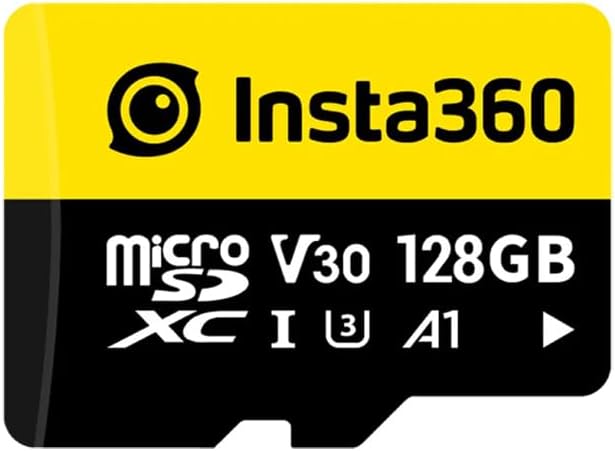
Insta360 128GB microSDXC Memory Card
4.8Editor score
128GB usable capacity
90 MB/s stated speed
Designed for Insta360 cameras
Discover the best Memory Card for Insta360 X5 options, comparing capacity, speed, durability, ratings, and features for confident camera and workflow choices.
A memory card for the Insta360 X5 must handle demanding action-camera recording while providing enough capacity for extended sessions. The right card should offer reliable sustained performance, useful durability, and straightforward file transfer. Capacity, speed class, application rating, and compatibility all influence the experience.
This guide compares ten microSD options from Insta360, SanDisk, GIGASTONE, and Lexar. The evaluation focuses on stated capacities, speed ratings, recording suitability, durability claims, bundled accessories, and practical differences in workflow. It also considers which cards are positioned specifically for Insta360 cameras.
Each selection reveals what makes it best suited to a particular use. Some prioritize native camera compatibility, others emphasize fast offloading or generous capacity, and budget-minded choices offer practical performance. Product availability and prices can change, so verify the current listing and card requirements before purchasing.
4.8Editor score

4.8Editor score

4.8Editor score
The comparison below highlights capacity, stated performance, speed class, and practical strengths across all ten cards, making it easier to identify the right option for Insta360 X5 recording and post-capture transfers.



The Insta360 256GB PRO is a strong all-around choice because it pairs a generous 256GB capacity with performance explicitly suited to modern camera workflows. It carries a 4.8 rating, A2 and V30 classifications, and UHS-I support. Those qualities make it especially appealing to an Insta360 X5 owner who wants direct brand alignment without sacrificing storage.
We may earn a commission when you buy through this link, at no additional cost to you.
Its listed read and write speeds reach 90 MB/s in both directions. The manufacturer notes that these figures were measured under controlled laboratory conditions and may vary by device, interface, and environment. For the camera itself, the more important point is the card's V30 rating, which identifies it as intended for stable real-time video capture rather than only maximizing transfer speed.
The card is also physically conventional: it measures 15 by 11 by 1 millimeters and weighs just 0.5 grams. Its stated operating range is -13°F to 185°F, and the manufacturer lists 3,000 erase cycles. These specifications suggest a card built for repeated use, although they cannot eliminate the need to format cards properly and replace them when their performance declines.
This is the most balanced recommendation for most Insta360 X5 users. It offers enough room for many high-resolution recordings, fast stated transfer rates, and the convenience of choosing a card promoted directly for Insta360. The compromise is modest compared with cards advertising faster offloading, but it provides the most convincing combination of capacity, relevance, and practical value.
A 256GB card provides useful breathing room between card changes while remaining easier to manage than a very large-capacity setup. It is a sensible middle ground for creators who record in bursts and regularly back up footage before editing.
The V30 classification and stated 90 MB/s write speed focus on the sustained performance needed during recording. A2 support also helps with app-related performance on compatible devices, although the camera remains the primary reason to choose this model.
We may earn a commission when you buy through this link, at no additional cost to you.
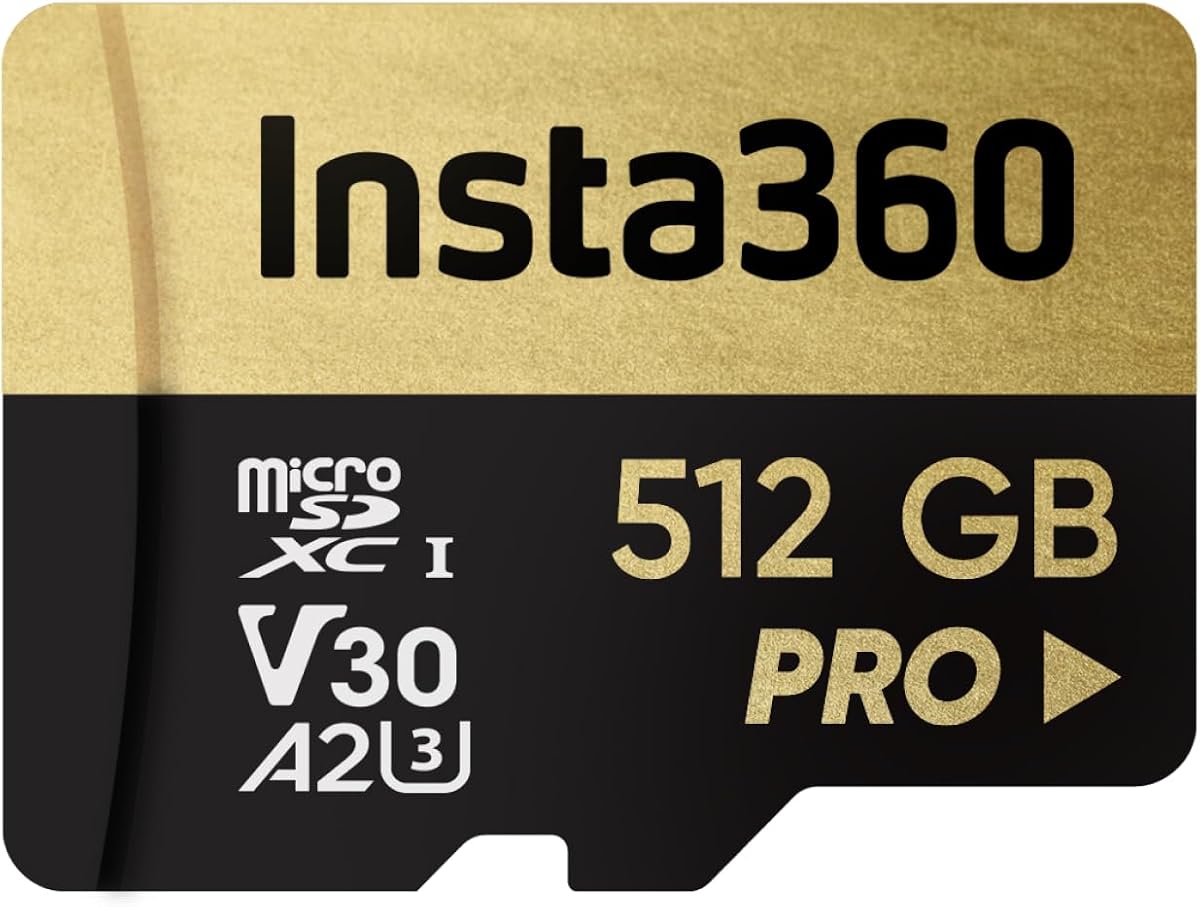
The Insta360 512GB PRO is built for creators who want to minimize interruptions while recording. Its 512GB capacity can hold substantially more high-resolution material than smaller cards, while the same 90 MB/s read and write claims preserve the balanced performance of the 256GB version. The card holds a 4.8 rating.
We may earn a commission when you buy through this link, at no additional cost to you.
V30 and A2 ratings make it appropriate for action-camera capture and responsive app use on compatible systems. The 90 MB/s transfer figures are particularly relevant when moving many large video files, although the brand cautions that actual results depend on the device and interface. A fast card reader can therefore be just as important as the card itself.
The stated operating range of -13°F to 185°F and 3,000 erase cycles reinforce its suitability for repeated field use. At the same time, the very capacity that reduces card changes can create a larger backup burden. A single 512GB card represents a substantial collection of irreplaceable footage, so a second card or dependable offloading routine remains sensible.
Choose this model if long recording sessions and fewer swaps matter more than compact file management. It is a particularly attractive option for Insta360 X5 users who travel frequently, shoot events, or prefer to batch footage onto one card before transferring and organizing it elsewhere.
The doubled capacity makes card rotation less frequent, which is useful during continuous events, travel days, or situations where a spare card is inconvenient. It does not change the need to monitor remaining capacity and maintain backups.
Both read and write speeds are stated at 90 MB/s, with V30 and A2 classifications. The card focuses on consistent recording and broad compatibility rather than the headline offload speeds advertised by some competing products.
We may earn a commission when you buy through this link, at no additional cost to you.
The Insta360 128GB card is the most economical route into a native memory card for the X5. It combines a 4.8 rating with a 128GB capacity, 90 MB/s stated read and write performance, and UHS-I, U3, V30, and A1 support. The product is specifically positioned around optimized compatibility with Insta360 cameras.
We may earn a commission when you buy through this link, at no additional cost to you.
Its V30 rating is the key specification for recording, indicating a card designed to sustain a suitable video write rate. The 90 MB/s claim helps make file transfers reasonably efficient, while the A1 rating supports faster app operation on compatible phones and tablets. It may not deliver the newer A2 class, but that difference is more relevant to application workflows than basic footage capture.
Capacity is the main limitation. A 128GB card is well suited to shorter outings and creators who transfer files frequently, but it offers less freedom for extended recording than the 256GB and 512GB Insta360 models. Its lower A1 rating also places it behind A2 choices for demanding mobile application use.
This is an attractive pick for beginners, occasional users, and anyone seeking straightforward compatibility without paying for the largest capacity or fastest transfer rates. For the Insta360 X5, it provides the essential qualities of a V30 microSD card in a package clearly marketed to the camera ecosystem.
The 128GB capacity makes this card easier to rotate and maintain. Users who regularly download clips and clear the card after each session can take full advantage of the stated speed without needing the extra room offered by larger models.
The listing emphasizes seamless use with Insta360 cameras and stable high-resolution recording. That direct positioning is valuable for buyers who want less ambiguity about the card's intended application.
We may earn a commission when you buy through this link, at no additional cost to you.
The GIGASTONE 128GB card offers a broad feature set for action-camera users and carries a 4.6 rating. Its key attraction is the advertised five-year data recovery service, which adds a form of reassurance that many ordinary microSD listings do not provide. It also supports A2, V30, U3, UHS-I, and C10 classifications.
We may earn a commission when you buy through this link, at no additional cost to you.
Stated read and write speeds reach 100 MB/s and 50 MB/s respectively. The V30 rating supports Ultra HD 4K video recording, while A2 can improve app-loading performance in compatible smartphones and tablets. Its product positioning covers GoPro, action cameras, DJI devices, drones, and Nintendo Switch systems, making it a broader option than a card marketed only around Insta360.
The main limitation is its lower write figure compared with the faster SanDisk and Lexar options in this guide. Although 50 MB/s is aligned with common video workflows, card performance can fall below advertised figures depending on the host device and conditions. The card is not listed with an Insta360 reader bundle, so buyers may need separate accessories.
The GIGASTONE is a good choice for X5 users who value data recovery support, A2 performance, and a card that can serve several devices. It is less compelling when rapid offloading or explicit X5-focused packaging is the main objective.
The advertised five-year recovery service is a meaningful distinction for valuable footage. It does not prevent card failure, but it may provide an additional route for recovering files under the listed terms.
A2 performance, V30 video support, and broad device positioning make this useful beyond the X5. That flexibility is valuable for creators who move between action cameras, drones, consoles, and mobile devices.
We may earn a commission when you buy through this link, at no additional cost to you.
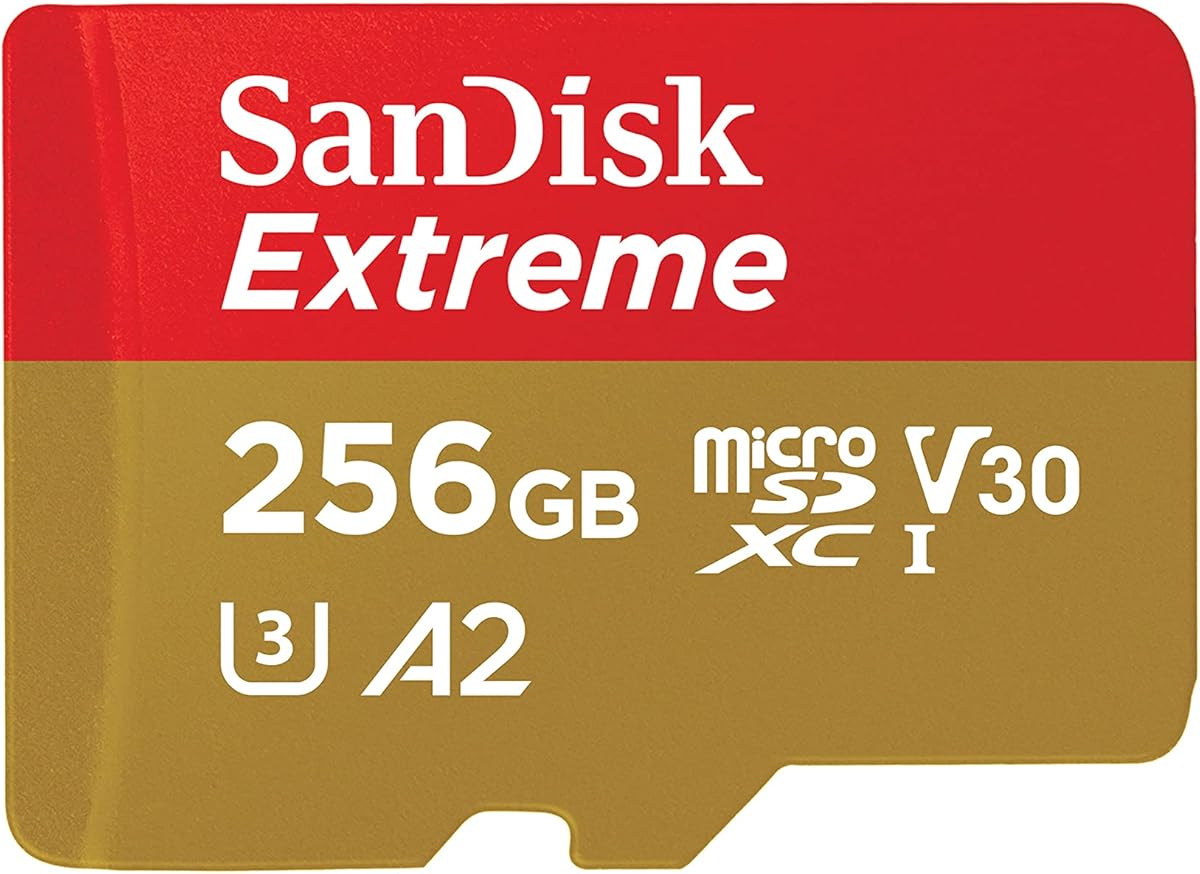
This SanDisk 256GB Extreme stands out for high-end transfer performance, with read speeds advertised up to 245 MB/s and write speeds up to 170 MB/s for the stated capacity range. It has a 4.7 rating, U3 and V30 ratings, and support for high-resolution point-of-view video. The package includes an SD adapter.
We may earn a commission when you buy through this link, at no additional cost to you.
Its headline figures can dramatically reduce the time spent moving large Insta360 files to a computer, provided the reader and host device support those speeds. The camera will not record faster simply because the card can transfer faster, but a quicker backup process reduces the period in which a card remains the only place where footage exists.
SanDisk describes the card as temperature proof, humidity proof, waterproof, shock proof, drop proof, magnet proof, X-ray proof, and wear-out proof. It also supports content management through the SanDisk Memory Zone desktop or Android application. These durability claims suit demanding outdoor use, although users should still protect the card and observe the camera's operating guidance.
For an X5 owner with a compatible high-speed reader, this is a compelling transfer-focused card. Its 256GB capacity is also more manageable than 512GB options. The trade-off is that headline transfer performance depends heavily on equipment and does not make the card inherently better for every camera workflow.
The advertised 245 MB/s read rate can shorten the time required to copy large media files from a compatible reader to a computer. This is most useful for creators who shoot many high-resolution clips and want a rapid offloading routine.
The extensive list of environmental protections supports use in varied outdoor conditions. None of these claims makes a card indestructible, so protective cases and careful handling remain important.
We may earn a commission when you buy through this link, at no additional cost to you.
The 512GB SanDisk Extreme bundle is a particularly complete choice for the Insta360 X5 because it combines a high-capacity V30 A2 card with a microSD and SD reader. It has a 4.8 rating, and the listing explicitly identifies compatibility with the Insta360 X4 Air, X5, and Go Ultra.
We may earn a commission when you buy through this link, at no additional cost to you.
Capacity of 512GB supports extended sessions and reduces the need to interrupt recording for a card swap. Stated read performance reaches 190 MB/s, while write performance reaches 90 MB/s. Although those numbers are below the absolute maximums advertised by some other Extreme variants, they are still well suited to large media transfers and high-speed video tasks.
The included reader removes one potential source of confusion when setting up the camera. It also gives buyers a way to begin copying files without relying on a slower built-in computer reader. Actual transfer speed still depends on the computer, interface, file size, and whether the operating system recognizes the reader's full potential.
The card is described as waterproof, shockproof, and temperature-proof, making it well suited to mobile creation. For X5 users who value a ready-to-use package, generous capacity, and direct model positioning, this bundle offers one of the strongest all-around packages in the guide.
Including a reader is a meaningful convenience for a new camera owner. It provides a straightforward way to connect the card to a computer and begin transferring footage.
The listing specifically calls out the X5, reducing uncertainty for buyers searching for a compatible card. Combined with 512GB of capacity, it is well suited to extended and travel-based recording.
We may earn a commission when you buy through this link, at no additional cost to you.
This standalone SanDisk 512GB Extreme card is the performance-oriented selection, advertising read speeds up to 245 MB/s and write speeds up to 170 MB/s. Its 4.7 rating and U3 and V30 classifications make it attractive to users who want large capacity and very fast offloading in the same microSD card.
We may earn a commission when you buy through this link, at no additional cost to you.
The listed 5.3K, 4K UHD, and high-resolution point-of-view support addresses demanding video use. The V30 rating is the essential class for sustained real-time recording, while the much higher read figure is most useful when transferring files to compatible computers. A compatible UHS-I reader may be required to approach the advertised performance.
The card carries extensive environmental resistance claims, including temperature, humidity, water, shock, drop, magnet, X-ray, and wear-out protection. Memory Zone software is available for desktop or Android-based organization and backup. These features support a more complete media-management workflow beyond simply recording on the camera.
This option makes the most sense for power users who regularly edit large files, appreciate fast backups, and already own suitable reading equipment. It is less essential for a casual X5 user, because the camera's own recording workflow does not require the maximum transfer rate this card advertises.
A 512GB capacity supports long recording periods and large collections of high-resolution footage. The combination reduces both card changes and the urgency to delete clips before each outing.
Fast reads can make a major difference when copying, previewing, and organizing large video files. The benefit depends on a compatible reader and host, so confirm those components before expecting the advertised maximum.
We may earn a commission when you buy through this link, at no additional cost to you.
This SanDisk 256GB Extreme package blends a practical capacity with fast transfer claims of up to 190 MB/s read and 130 MB/s write. It carries a 4.8 rating, includes an SD adapter, and holds A2, V30, U3, and UHS-I classifications. That combination gives it broad value for both camera recording and media transfer.
We may earn a commission when you buy through this link, at no additional cost to you.
The card supports 4K and 5K UHD-ready video on compatible hosts, while V30 identifies its sustained recording class. A2 performance can also improve application responsiveness on supported phones and tablets. The included adapter is useful for devices with an SD slot, although a dedicated microSD reader may provide more consistent high-speed transfers.
The listing notes that the card is compatible with the original Nintendo Switch but not Nintendo Switch 2. That limitation has little effect on Insta360 X5 use, though it is worth recognizing in a multi-device setup. Transfer speed depends on the host interface, usage conditions, and other factors, so the maximum figure should be treated as a best-case scenario.
This card is an excellent middle ground for X5 owners who want more speed than a basic V30 model without moving to a 512GB card. Its 4.8 rating, 256GB capacity, and included adapter make it a versatile, balanced recommendation.
The SD adapter broadens compatibility with hosts that use full-size SD slots. It is a useful addition for quick transfers, though a qualified microSD reader is preferable for maximum speed.
V30 and A2 ratings address recording and application use, while 190 MB/s reads speed up offloading. The 256GB capacity remains a practical size for frequent backups and organized editing.
We may earn a commission when you buy through this link, at no additional cost to you.
The SanDisk 128GB Extreme bundle stands out with a 5.0 rating, the highest numerical rating in this list. It is explicitly positioned for Insta360 cameras and includes both a V30 A2 microSD card and an Everything But Stromboli microSD and SD reader. The bundle offers a straightforward starting point for an X5 owner.
We may earn a commission when you buy through this link, at no additional cost to you.
Stated performance reaches 190 MB/s read and 90 MB/s write, making it suitable for high-speed photography and 4K UHD recording. The card is also described as resistant to water, temperature, shock, and X-ray exposure. A2 support can improve responsiveness and app processing on compatible devices.
Its 128GB capacity is the central drawback. Users who shoot long sessions or prefer to keep multiple outings on one card may fill it quickly. The smaller capacity does have an upside: it encourages more frequent backups and makes individual card management less cumbersome.
This is a particularly attractive option for beginners and occasional Insta360 creators. The included reader, explicit camera positioning, strong rating, and fast stated transfer performance create a convenient package, while 128GB remains enough for shorter projects and regular offloading.
The card and reader combination simplifies setup for a new X5 owner. Explicit compatibility positioning also makes it easier to shortlist alongside native Insta360-branded cards.
A smaller card is easier to rotate and back up regularly. Up to 190 MB/s read performance helps move its contents quickly when used with suitable equipment.
We may earn a commission when you buy through this link, at no additional cost to you.
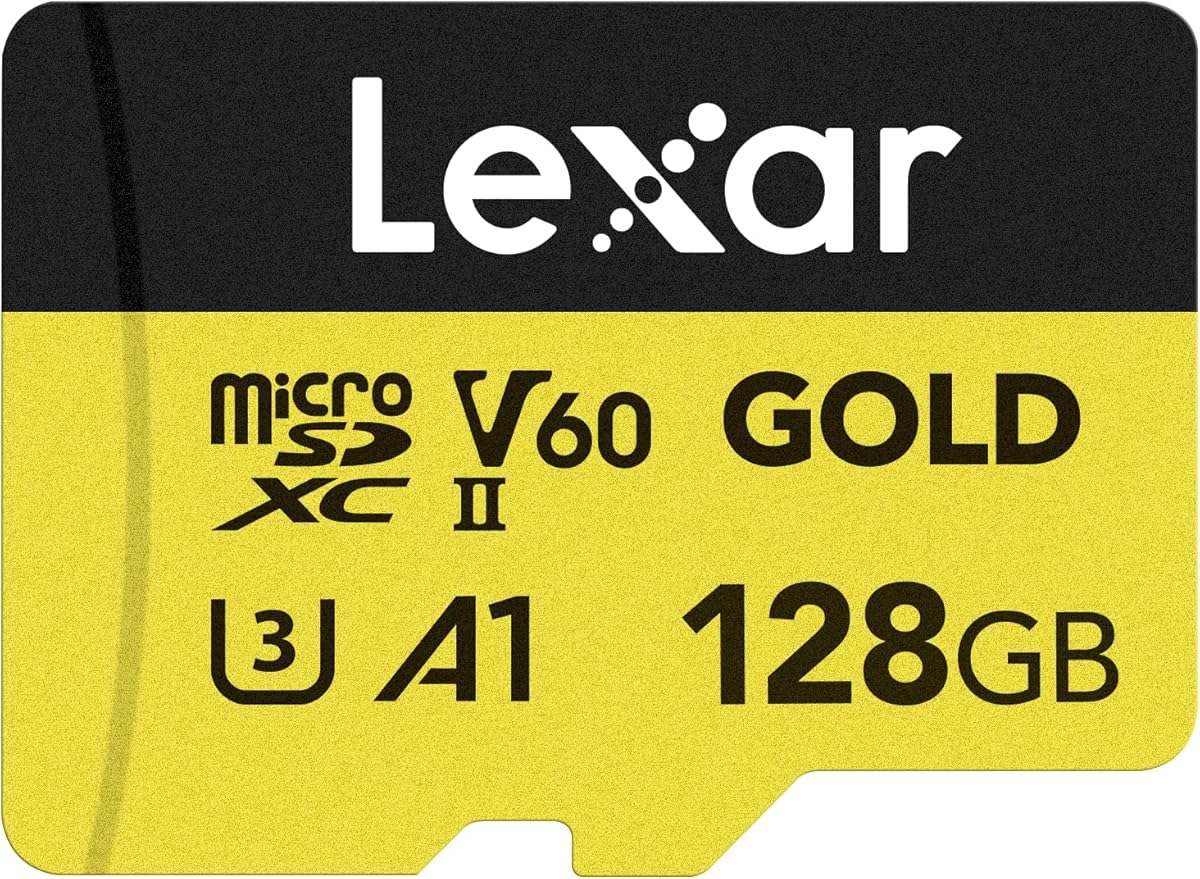
The Lexar 128GB Gold is the specification-heavy alternative in this guide. It has a 4.7 rating, UHS-II support, a V60 video class, and advertised read and write speeds of up to 280 MB/s and 100 MB/s. These figures give it a more advanced profile than most of the UHS-I cards listed alongside it.
We may earn a commission when you buy through this link, at no additional cost to you.
V60 indicates support for extended Full HD and 4K UHD capture with a sustained write rate suitable for those formats. UHS-II can provide a significant advantage when the host device supports the interface, particularly during transfers. The card also carries A1 performance and is marketed toward portable gaming devices in addition to creative workflows.
The main issue is that the X5's own card slot and the user's reader may not exploit every UHS-II advantage. A faster interface cannot improve footage already recorded, and most card readers use UHS-I connections. A 10-year limited warranty adds reassurance, but the card may offer more value for buyers who already own compatible UHS-II equipment.
For an Insta360 X5 buyer, this is a viable high-performance option, but it should be selected for its strong transfer and sustained-write specifications rather than assumed to improve camera quality. It suits a creator with compatible hardware who wants a 128GB card with a generous warranty and advanced ratings.
UHS-II support distinguishes this card from the predominantly UHS-I choices in the guide. Its practical benefit is strongest with a compatible reader and host, so check your equipment before buying.
The V60 class and 100 MB/s stated write speed target continuous high-resolution recording. These are meaningful specifications for action-camera work, even if headline read speed matters mainly during transfers.
We may earn a commission when you buy through this link, at no additional cost to you.
The right card for an Insta360 X5 should balance dependable recording performance, sufficient capacity, and an efficient transfer workflow. Consider the camera's requirements, your shooting patterns, and the equipment available for reading files before choosing.
In short, verify model compatibility, card format, and slot requirements before purchasing.
In short, pick the smallest capacity that comfortably covers your normal recording intervals and backup schedule.
In short, prioritize V30 for recording and treat headline transfer speeds as a separate workflow benefit.
In short, match the card, reader, and computer so advertised speed becomes a practical speed.
In short, choose A2 for broader mobile workflow flexibility and A1 when basic app use is sufficient.
In short, prioritize rugged claims for field work while continuing to protect the card from impact and moisture.
In short, read the recovery and warranty terms, but maintain separate backups regardless.
In short, choose a capacity that supports a backup routine you will actually follow.
Before inserting a new card, confirm that it is formatted correctly and recognized by the Insta360 X5. Format the card in the camera when practical, using the camera's available formatting function, and avoid ejecting or removing the card while recording, formatting, or transferring files. Let the camera finalize any recording before taking out the card.
When moving files, power down the camera and use a compatible card reader. Copy rather than move valuable footage, confirm that the destination contains the expected files, and retain the card until the backup is verified. Avoid using the card for unrelated files when possible, and do not format it on a computer unless you understand the device-specific format and compatibility requirements.
Handle the card by its edges, keep it away from moisture, dust, strong magnets, and severe impact, and use an approved protective case for transport. Replace the card if you notice recurring write errors, corrupted files, missing clips, unusual speed reduction, physical damage, or an error message from the camera. Back up existing footage before formatting a card for reuse.
A 256GB card is the most versatile starting point for many X5 users because it balances recording room with manageable backup sizes. A 512GB card is better for long sessions, travel, or fewer card changes, while 128GB suits shorter shoots and frequent transfers. Choose based on your resolution, clip length, and backup habits rather than capacity alone.
The cards in this guide generally carry V30 or stronger video classifications, making them appropriate choices for high-resolution recording workflows. A card should meet the camera's stated requirements and provide reliable sustained writes. Very fast headline read speeds help transfers, but they do not replace a suitable video speed class.
The 512GB bundle in this guide is explicitly listed as working with the Insta360 X5, and the other Extreme cards use compatible microSD formats with suitable V30 ratings. Compatibility listings can differ between specific bundles and capacities, so check the product description for the exact card and confirm it is recognized by the camera before recording important footage.
A faster card can improve copying, editing, and file-management speeds, but the camera's recorded quality will not automatically improve simply because the card has a higher maximum speed. Reliable sustained write performance, adequate capacity, and correct compatibility are more important during recording. A fast card is most valuable when you also own a reader and computer that can exploit its speed.
A2 is beneficial for app loading and random-access performance on compatible devices, but it is not a substitute for the card's video rating or capacity. The A2 cards in this guide are excellent all-around options, while the 128GB Insta360 card uses A1 and remains focused on camera recording. Choose based on the complete workflow rather than application class alone.
A 512GB card allows longer recording periods and fewer swaps, which can be advantageous for travel and events. A 256GB card is easier to back up and may be more comfortable for beginners. Both capacities appear across strong options in this guide, so the better choice depends on how long you record and how reliably you maintain backups.
Insert the card and use the camera's formatting function when the manual recommends it. Formatting prepares the card for the camera's file system and helps establish a clean recording environment. Do not remove it during recording or formatting, and always confirm that the camera recognizes it before beginning a critical shoot.
It is safer to copy important footage to a separate location and verify the backup before reusing the card. Keeping the only copy in the camera exposes it to loss, damage, accidental formatting, and card failure. Two-card rotation can also reduce interruptions, but it does not replace maintaining at least one separate copy of valuable footage.
The Insta360 256GB PRO is the strongest overall choice because it combines camera-focused positioning, 256GB of capacity, 90 MB/s stated read and write performance, and A2 and V30 ratings. The Insta360 128GB card is a capable budget option, while the SanDisk 512GB Extreme bundle offers the most complete premium package with explicit X5 positioning and an included reader.
Prioritize compatibility, a suitable video class, and enough capacity for your actual recording habits. Fast transfer speed matters when you have compatible reading equipment, while durability, recovery support, and application performance improve the broader workflow. For long shoots, consider 512GB; for frequent backups and easier management, 128GB or 256GB may be more practical.
Before purchasing, verify the current product listing, camera compatibility, included accessories, and specifications for the exact capacity. Prices and availability can change, and a fast card still needs a suitable reader and disciplined backup process to deliver its full value.